Links for LLMs
Serving JSON to agents while humans get pages
 5 min read
Updated Sep 27, 2026
Agents follow links too
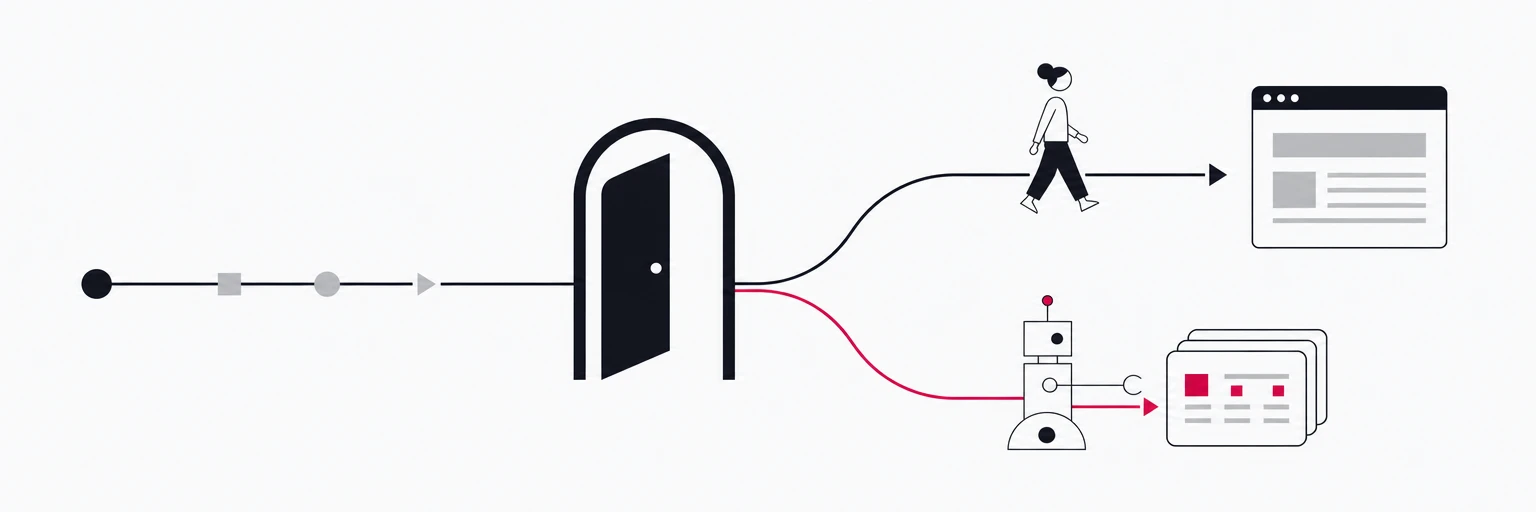
Links have always had two audiences. People click them and expect a page. Machines fetch them and expect something they can parse: crawlers wanted HTML they could index, link previewers wanted Open Graph tags, and now AI agents want structured data they can reason over. An agent that is asked "is this product in stock?" does not want your landing page's hero animation. It wants a small JSON document with a price, an availability flag and a timestamp.
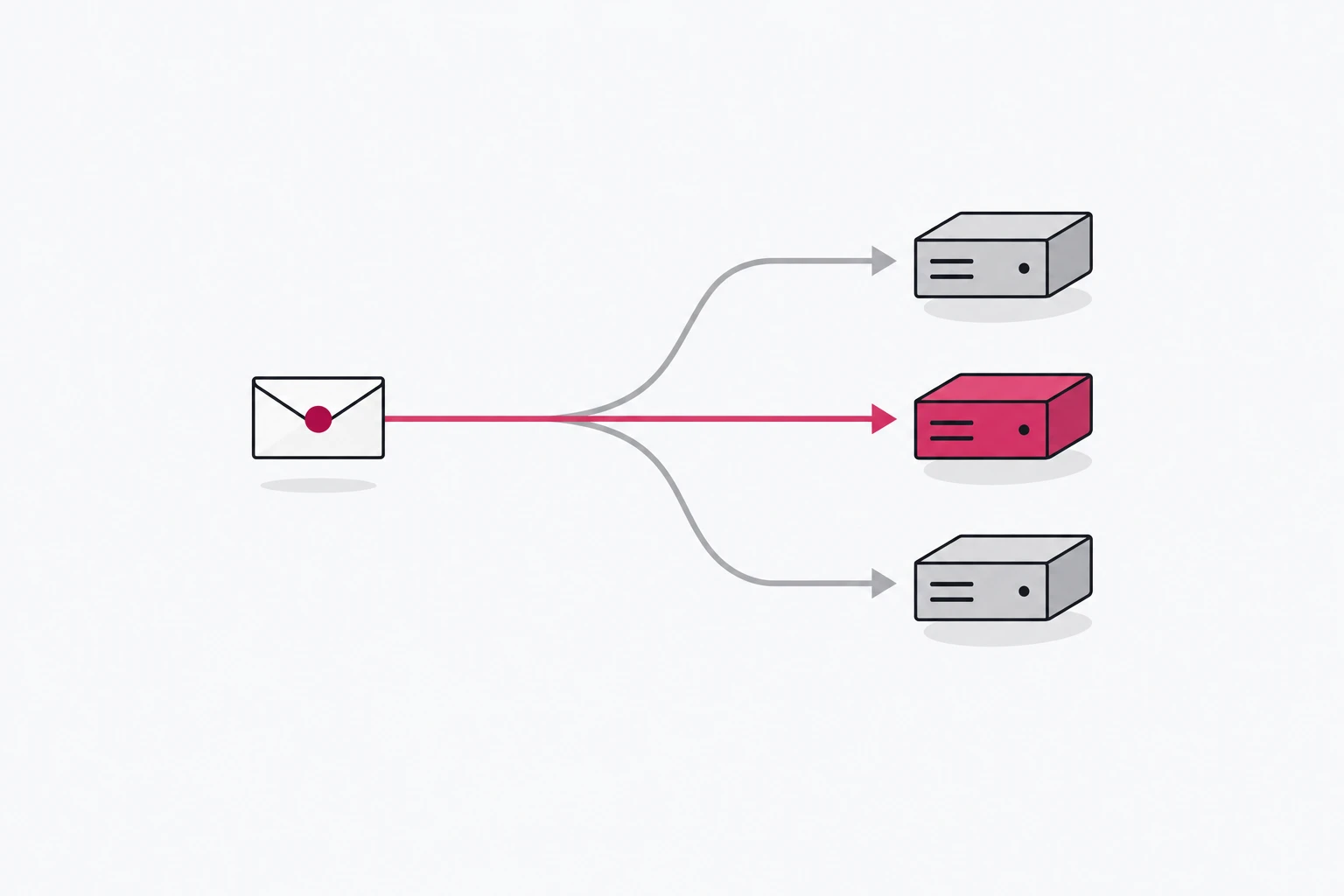
The interesting move is not building a separate API for agents. It is noticing that the link itself, the thing you already put in bios, emails, QR codes and, increasingly, prompts, can answer both audiences. A person gets the redirect. A machine gets the data. Same URL.
Why not just build an API?
An API needs discovery, keys, documentation and someone on the other side who has read the documentation. A link needs none of that: it is already everywhere your customers are, and an agent that finds it in a chat transcript can fetch it without knowing anything about you.
That distribution advantage is the whole argument. You will still have an API for your own systems. The link is the public, zero-onboarding front door that happens to speak JSON when asked.
One URL, two answers
On rii.link Premium a link is a small decision tree, and one of the things a branch can do is answer directly instead of redirecting. A plain response returns a body you define, with the content type you choose, so a branch can hand back a JSON document while the default branch sends humans on to the page.
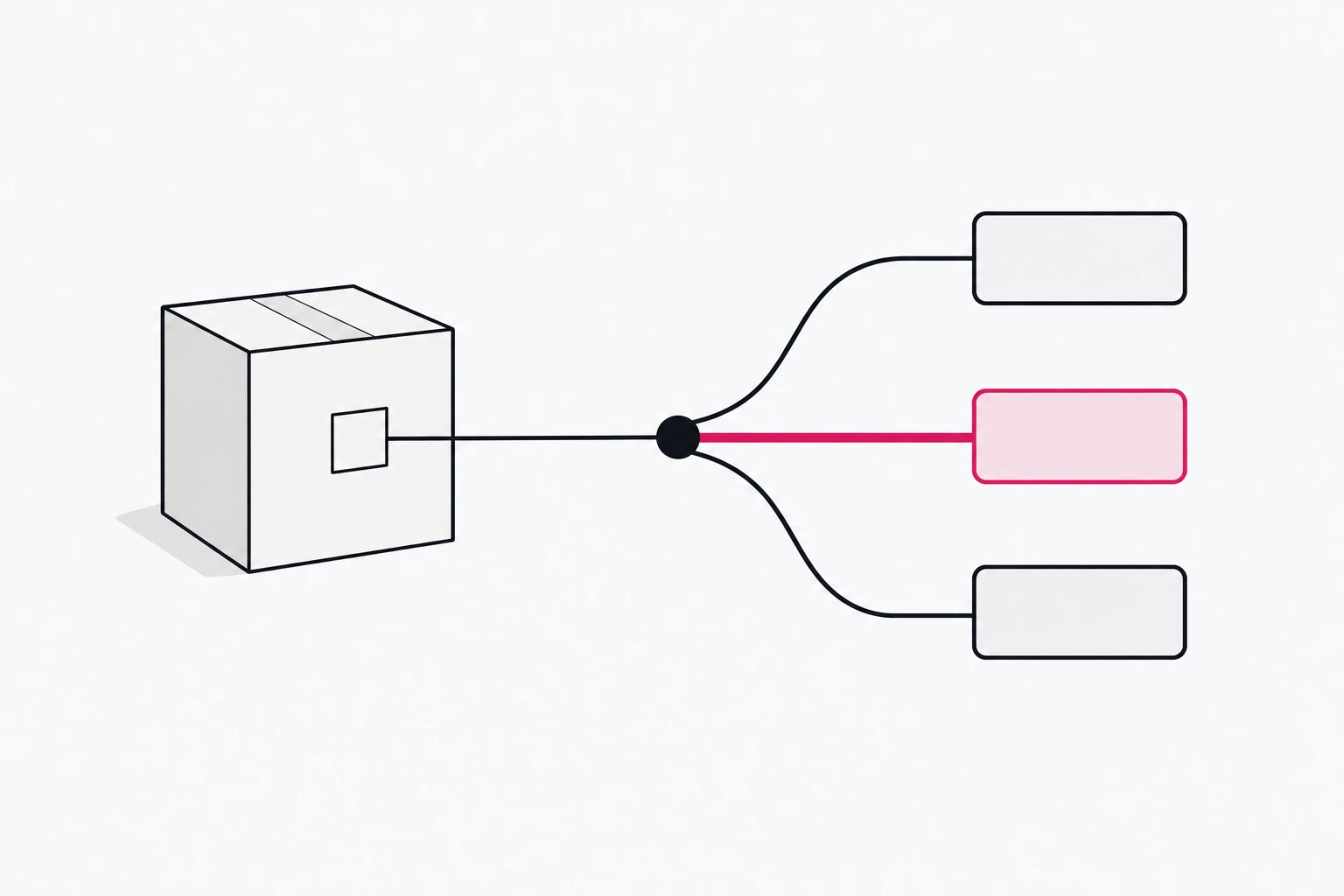
The cleanest way to let a caller ask for the machine version is a query parameter the redirect can route on:
trigger
├─ query.format = json   → 200 application/json  {"product": …}
└─ default               → 302 https://example.com/product/anvil
GET https://go.example.com/anvil?format=json{
"schema": "example.com/product/v1",
"name": "Anvil, 20 kg",
"price": {"amount": 89.00, "currency": "EUR"},
"in_stock": true,
"updated_at": "2026-09-24T09:00:00Z",
"page": "https://example.com/product/anvil"
}The person who clicks go.example.com/anvil never sees any of this. The agent that reads the documentation you put in the payload's schema field gets a stable contract. And because both live behind one short link, the request log, filtered to that link, lists every call with its query string, so the ?format=json traffic is there to see.
Keep the machine answer small and stable
Agents cache what they read and reason over it for the length of a task, sometimes longer. Three habits keep that from turning into support tickets:
- Version the shape. Put a version in the payload and in the schema identifier. When the shape changes, publish a new version and keep the old one answering for a while.
- Answer only what a caller can act on. Price, availability, a canonical page URL, a timestamp. Not the full catalogue, not marketing copy, not fields you might remove next quarter.
- Return a real content type and a real status.
application/jsonwith a 200, an explicit404for a product that no longer exists. An agent treats a 200 HTML error page as a successful answer and confidently repeats whatever is in it.
Because a plain response is part of the link's configuration, changing the payload is the same operation as re-pointing a redirect: edit, save, and every copy of the link in the world answers the new way.
Log agent traffic separately
The first week after a link starts serving machines, someone will notice that "conversion dropped". It did not. A new kind of visitor arrived that never converts, and it is now diluting the ratio.
Keep the two audiences apart from day one. rii.link flags known crawlers and AI agents by their user agent and leaves them out of the analytics charts; the request log's bot filter shows them on their own, with the user agent and query string of every call. If agents arrive without the parameter and hit the page, that list is your signal to move more of them onto the machine branch.
Let agents manage links, not just read them
Reading is half of it. The other half is letting an agent create and change links as part of a workflow: "make a short link for this campaign, add UTMs, give me the QR". rii.link exposes that through a remote MCP server at mcp.rii.link, so an agent connected over OAuth or with a scoped API key can create, update and analyse links using the same rules a person would in the dashboard. For scripts, the REST API covers the links it creates; there are no official SDKs yet.
Where to start
- Pick one link whose destination has data worth asking for: a product, a document, an event.
- On a Premium workspace, add a branch on
format=jsonthat returns a plain JSON response with five fields and a version. - Point one agent at it and watch its
?format=jsoncalls arrive in the request log. - Only then think about which other links deserve a machine answer.
Written by
Florian
Florian builds rii.link, the routing layer behind short links: redirects, dynamic responses and links that answer AI agents. He writes The Redirect about what happens between a click and its destination.