Your product QR code is a redirect now
What GS1 Resolver Standard 1.2.1 requires, and how to own the domain behind it
 8 min read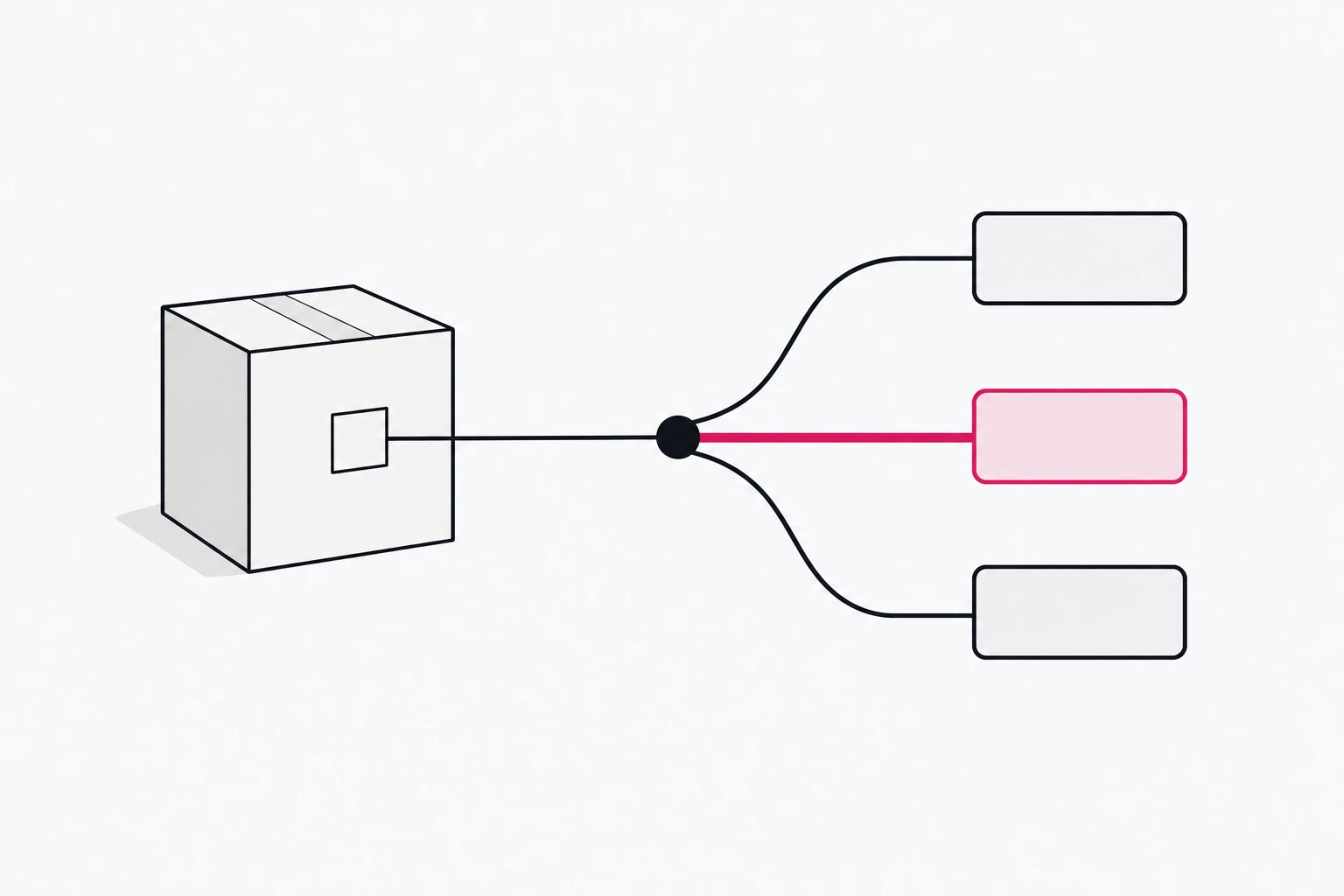
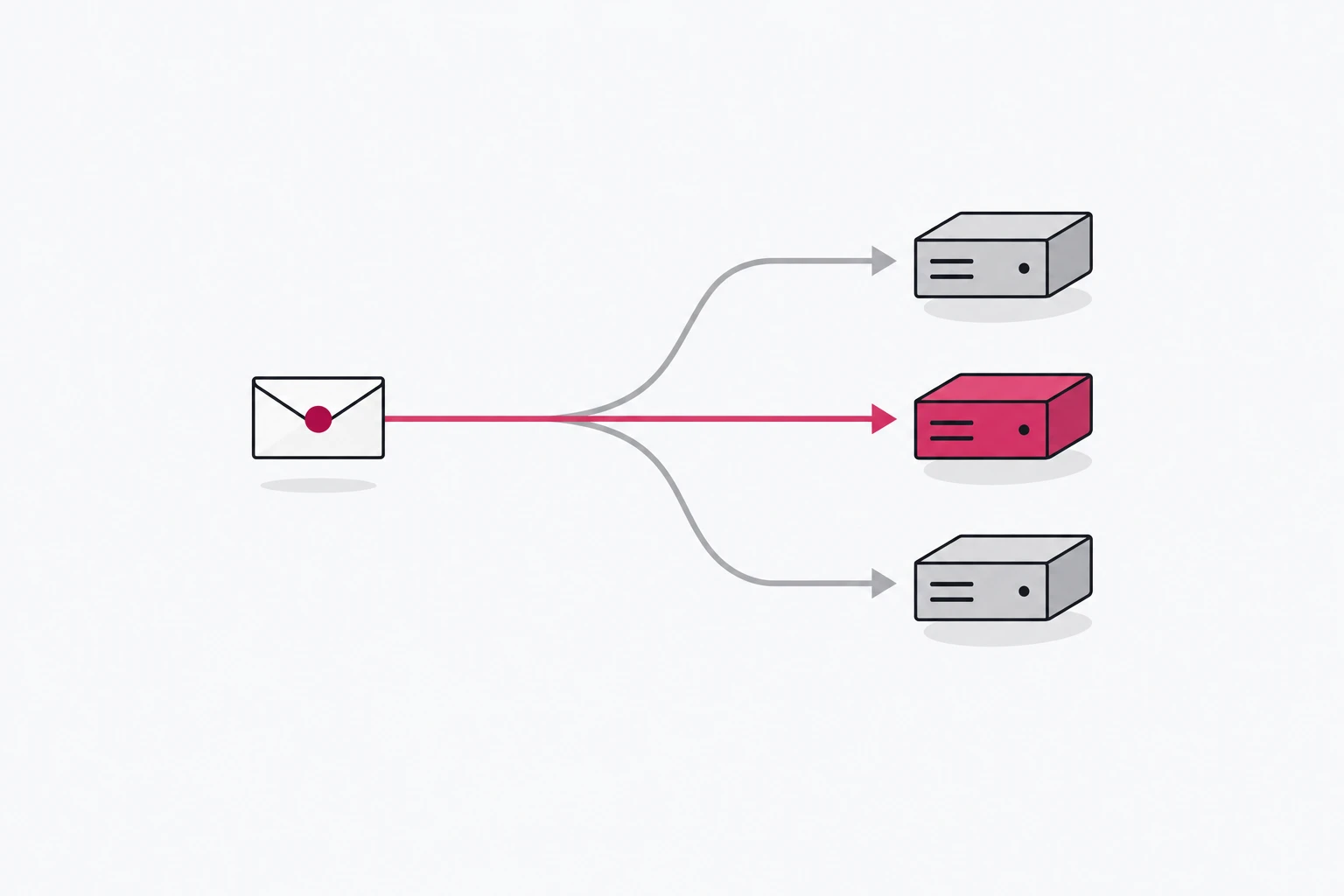
A GS1 Digital Link QR code on a pack is a URL, and whatever answers that URL is a redirect service with its own published standard. GS1 published release 1.2.1 of the GS1-Conformant Resolver Standard on 19 August 2026 (release archive). It reads like a spec for a smart link: one default destination, routing by link type and language, a JSON answer for machines, strict status codes. If you have been asked to make your packaging "Sunrise-ready", that standard matters more than the barcode artwork. This article reads it as a redirect engineer would and shows which decisions you can't undo once the ink is on the carton.
A barcode that is also a URL
A GS1 Digital Link URI carries a GS1 key in its path. For a product that key is the GTIN under Application Identifier 01, optionally followed by qualifiers in a fixed order. The URI Syntax standard (release 1.7.0, also ratified in August 2026) defines the path as /01/{gtin}/22/{cpv}/10/{lot}/21/{ser}, where everything after the GTIN is optional but must keep that sequence. A real example from the standard: /01/09520123456788/10/ABC123/.
The point-of-sale scanner reads the GTIN out of the path and ignores the host. The phone camera opens the whole URL. One code serves both, and that is the whole idea of the retail move to 2D codes.
Pick the domain you will live with for a decade
The host in the printed URI is permanent. Any registered domain is allowed by the syntax standard, and GS1's own best-practice guide is blunt about which one: "It is recommended that you build your GS1 Digital Link URIs on a domain name you own and control." For the subdomain it suggests "simply 'id'", so id.brand.com.
Digimarc's RFP guidance makes the commercial case: your URIs "should use your company's domain, not a service provider's", which gives you independence if the vendor goes away. A QR vendor's shared domain on a pack is lock-in printed in ink. On your own subdomain, the service behind the code is a DNS record you can change. That is the most valuable property of the whole setup, so decide it first.
The same guide says to keep the URI minimal: include what supports business processes, such as batch or expiry, "but do not add any information to the GS1 Digital Link URI that is not necessary." No UTMs on the pack. Campaign context belongs at redirect time, where you can change it.
What a conformant resolver must do
Release 1.2.1 is short on prose and long on SHALLs. Here is what matters to anyone who has run a redirect service, with section numbers so you can check them:
- Always have a default. Every identified entity has exactly one default link, and "Resolvers SHALL redirect to the default link unless there is information in the request that can be used to determine a better response" (2.6.1).
- Route by link type. A request can carry
linkType, for examplelinkType=gs1:recipeInfo. If that type exists the resolver SHALL redirect to it. If not, it SHALL return404 Not Found(2.6.2), not the default link. - Disambiguate by language. Resolvers SHOULD use
Accept-Languageand MAY useAcceptto choose between links of the same type. When no single best match exists, they should return the list with300 Multiple Choices(2.6.3). Note the lowercase "should" there. - Answer machines without redirecting. A client asking for
Accept: application/linkset+json, or passinglinkType=linkset, gets the full set of links in the JSON format of RFC 9264, and the resolver SHALL NOT redirect (2.9). The response SHOULD carry aLinkheader pointing to a JSON-LD context (2.10). - Pass the query string through. When redirecting, the resolver SHALL by default send the entire query string on to the target (2.12). Data such as
?17=270131(an expiry date) reaches your landing page. - Be honest about errors. A malformed URI gets
400, an unknown GTIN gets404, and a resolver SHALL NOT use200 OKfor any error condition (2.4.1). Soft 404s, such as sending unknown codes to a homepage that answers200, are out. - Describe yourself. A Resolver Description File SHALL be served at
/.well-known/gs1resolver(3). The resolver SHALL support GET, HEAD and OPTIONS over TLS and SHALL implement CORS (2.2), so a web app can query it from the browser.
What the text does not fix is the redirect status code for the default link. It says "redirect", not 302 or 307. GS1's own resolver answers https://id.gs1.org/01/09506000134352, its demo product, with 302 Found to the brand's product page. If you are choosing, a temporary redirect is the right family: the target will change and caches should not hold on to it. Our Redirects 101 explains why a 301 is the wrong tool here.
The description file is easy to inspect on GS1's own resolver:
$ curl -s https://id.gs1.org/.well-known/gs1resolver
{
  "name": "The GS1 AISBL Resolver",
  "resolverRoot": "https://id.gs1.org",
  "termsOfUse": "https://www.gs1.org/standards/resolver/terms-of-use",
  "supportedPrimaryKeys": ["00", "01", "253", "255", "401", "402", "414", "415", "417", "8003", "8004", "8006", "8010", "8013", "8017", "8018"],
  "jsonLdContextLocation": "https://ref.gs1.org/standards/resolver/linkset-context",
  "contact": {
    "fn": "GS1 AISBL",
    "hasAddress": {
      "streetAddress": "Avenue Louise 523",
      "locality": "Brussels",
      "country-name": "Belgium",
      "postal-code": "1050"
    }
  }
}
It is a smart-link problem
Strip the GS1 vocabulary and the resolver is a routing table keyed on a path. The decision order looks like this:
- Is the path a valid Digital Link URI? No:
400. - Do we know this GTIN? No:
404. - Does the request ask for the linkset, by
Acceptheader orlinkType=linkset? Yes: return JSON, no redirect. - Does it name a
linkType? Yes: redirect to that type, or404if it doesn't exist. - Several candidates left? Pick by
Accept-Language; if still ambiguous,300with the list. - Otherwise: redirect to the default link, query string attached.
Anyone who has built routing rules will recognise the shape: a required fallback, conditions on a query parameter and a request header, content negotiation for machines, and passthrough of parameters. Our smart routing playbook and Links for LLMs cover the same primitives for ordinary campaign links. The difference is that GS1 has written the rules down and a conformance test can hold you to them.
Where rii.link fits, and where it doesn't
We would rather you hear the limits from us than find them after a print run. Mapped against the standard, based on our public docs as of today:
- Your domain. rii.link serves links on your own subdomain with SSL issued and renewed automatically, and "your domain is always yours — point it anywhere, any time" (custom domains). That is the GS1 recommendation, and it keeps the exit open.
- Default link and redirect type. Every rii.link has a required default, and the redirect type (301, 302, 307 or 308) is a per-link setting (link management).
- Language. Premium routing can "match the browser's Accept-Language" (smart routing).
- Machine answers. A link can serve JSON you write, selected by an
Accept: application/jsonrequest or a query-parameter rule such as?format=json(dynamic responses). Whether that rule can matchlinkType=linksetor theapplication/linkset+jsonmedia type exactly is not documented, so test it before you rely on it. - Analytics per GTIN. One link per product gives you scans per GTIN, by country and device, with bots filtered (analytics).
What rii.link does not document today: pattern matching on paths such as /01/{gtin}/10/{lot} (links are exact slugs), routing a redirect by an arbitrary query-parameter value like linkType=gs1:recipeInfo, 300 Multiple Choices, serving /.well-known/gs1resolver, CORS headers, and automatic query-string passthrough. That means rii.link is not a GS1-conformant resolver, and you should not claim conformance by pointing id.brand.com at it.
A pattern that works today: run a conformant resolver on id.brand.com (GS1 publishes an open-source Resolver Community Edition, version 3.0.0 from March 2026, though its own README says not to assume full conformance and GS1 does not maintain it), and make its default and language links point at rii.link links on a second subdomain such as go.brand.com. The resolver handles the GS1 contract; the smart links handle what marketing changes weekly: destinations, device routing, time windows and analytics. The cost is one extra hop, so keep the second leg a single redirect.
Checklist before artwork sign-off
- Audit the GTINs. Each code must carry a valid, assigned GTIN, since the checkout reads it.
- Decide the domain. A subdomain you own, such as
id.brand.com, never a vendor's shared domain or a campaign domain you might let lapse. - Print conformant syntax. Use
/01/{gtin}plus only the qualifiers you need, in the standard's order. If you add your own query keys, they SHALL NOT be all-numeric (URI Syntax 1.7.0). - Keep campaign data off the pack. No UTMs in the printed URI; add them at redirect time.
- Test what answers. HEAD and GET the printed URL, request the linkset, ask for a missing
linkTypeand confirm the404, and check that an unknown GTIN never returns200. - Test the print. Scan real proofs, at real size, on real substrate, with phones and a POS scanner.
- Plan dual marking. During the transition, packs carry both the linear barcode and the 2D code (Bar Code Graphics).
The code on the pack will outlive the website it points to. Own the host, print a clean URI, and make whatever answers it follow the standard. The rest you can change later. For printing and tracking QR codes in general, see QR codes that don't suck.
Written by
Florian
Florian builds rii.link, the routing layer behind short links: redirects, dynamic responses and links that answer AI agents. He writes The Redirect about what happens between a click and its destination.