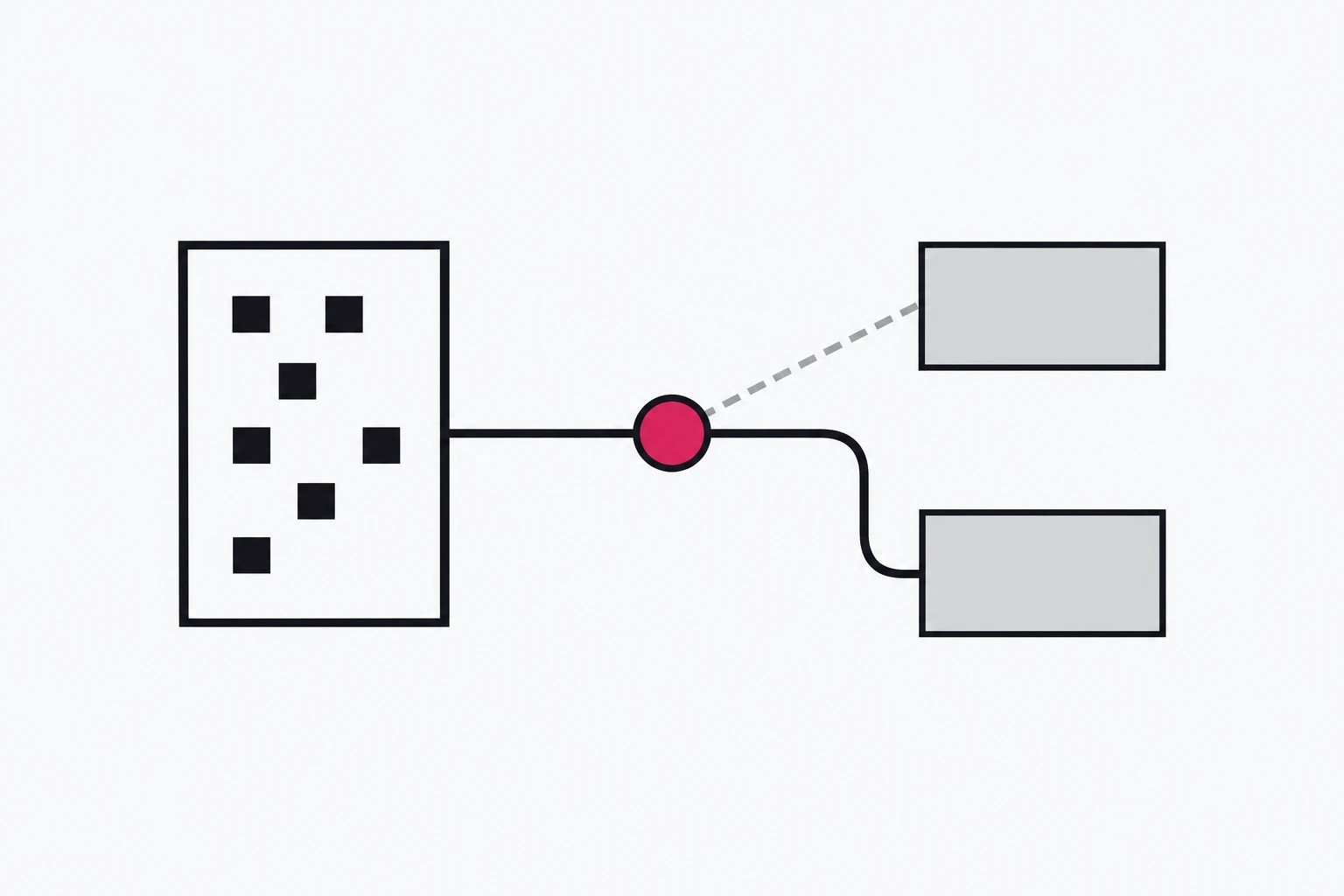
What you approve when you click "Connect your domain"
Domain Connect turns custom-domain DNS into a consent screen. How discovery, templates and signatures work as of draft-04, and when to type the records yourself.

Clicking "Auto-configure" on a custom-domain screen does not give a link service access to your DNS. It sends you to your own DNS provider. The provider shows you a fixed set of records that a pre-approved template allows, and writes them only after you confirm. That protocol is Domain Connect, and it is on its way to becoming an IETF standard. The working group's current text is draft-ietf-dconn-domainconnect-04, dated 7 October 2026 and marked Standards Track. The dconn working group plans to submit it to the IESG by 31 December 2026. It is not an RFC yet, so everything below is "as of draft-04".
Link services are adopting it. Dub shipped one-click DNS on 19 August 2026 for domains hosted on Vercel or Cloudflare, and Linkly added it on 13 March 2026 for six DNS providers. This guide explains what happens between the click and the green check mark, what exactly you approve, and when typing the records by hand is still the better call.
Why DNS is where custom domains stall
A branded short domain like go.example.com needs two things from your DNS: a record that routes traffic to the link service, and usually a record that proves you own the name. On rii.link that is a CNAME for the subdomain plus a TXT record at _rii.go.example.com, as the domains API reference shows. A bare domain such as example.com cannot hold a CNAME, because a CNAME cannot coexist with the SOA and NS records every zone apex has. So apex setups need A and AAAA records, or an ALIAS-style record where your provider offers one.
None of this is hard, just unfamiliar: you need to know who hosts your DNS (often not your registrar), find the right screen and paste values exactly. That is the step Domain Connect replaces.
What happens after you click
The draft defines a "synchronous" flow, meaning the user is present for it. The word refers to the interaction, not to DNS propagation. It runs in five steps.
1. Discovery. The service looks up a TXT record named _domainconnect at the apex of your zone. The draft says "Discovery MUST work on the Zone Apex only". The value is the host and path of your DNS provider's Domain Connect API. Your provider publishes it, not you.
2. Settings. The service fetches https://. The JSON names the provider (providerId, providerName), the API base (urlAPI) and, if the provider supports the user-attended flow, urlSyncUX, the page you will be sent to.
Here is that lookup for dub.co, queried through Google Public DNS's JSON API on 19 October 2026:
$ curl -s "https://dns.google/resolve?name=_domainconnect.dub.co&type=TXT"
{"Status":0,"TC":false,"RD":true,"RA":true,"AD":false,"CD":false,"Question":[{"name":"_domainconnect.dub.co.","type":16}],"Answer":[{"name":"_domainconnect.dub.co.","type":5,"TTL":3600,"data":"_domainconnect.vercel-dns.com."},{"name":"_domainconnect.vercel-dns.com.","type":16,"TTL":1800,"data":"domainconnect.vercel.com"}],"Comment":"Response from 198.51.44.13."}

$ curl -s https://domainconnect.vercel.com/v2/dub.co/settings
{"providerId":"vercel.com","providerName":"Vercel","providerDisplayName":"Vercel","urlSyncUX":"https://vercel.com/domain-connect","urlAPI":"https://vercel.com/api/domain-connect"}
The type-5 answer is a CNAME: dub.co points the name at Vercel's shared record, so the provider keeps the value current for every zone it hosts.
3. Template check. The service asks GET {urlAPI}/. A 200 means the provider has onboarded this service's template; a 404 means it has not, and the button should not appear.
4. Apply request. Your browser is sent to {urlSyncUX}/. The query string carries the domain, an optional host label (such as go), the values for the template's variables, an optional redirect_uri and state, and usually a signature in sig with a key pointer.
5. Consent and apply. You log in at your DNS provider. Per the draft, the provider checks that the domain is in your account, asks for consent and applies the template in the same session. Vercel's documentation says it "shows the user which DNS records will be created and asks for permission." Then the service checks DNS until the records resolve.
The template is the permission
The service never sends arbitrary records. It sends a template ID and some variable values. The template itself is a JSON document the service wrote and onboarded with each DNS provider beforehand. The draft says "The template is defined by the Service Provider and manually onboarded with the DNS Provider." Providers must support A, AAAA, CNAME, MX, TXT and SRV records. Variables are written as %name%, and @ stands for the zone apex.
That design puts a ceiling on what a click can do. A template that only defines CNAME %host% → links.service.example cannot be used to change your MX records, whatever the apply request says. The draft also pushes services to keep the variable part small: variable portions "SHOULD be constrained to as small as possible a portion of the resulting DNS record".
You can read the templates. Many are public in the Domain-Connect/Templates repository, one file per service named providerId.serviceId.json. Cloudflare's onboarding process requires a merged pull request there before it will enable a template, and Vercel asks for a pull request plus an email review that includes "a short in-product video demonstrating the flow".
Signatures close the obvious hole: someone crafting an apply link with your domain and their own variable values. When a template names a syncPubKeyDomain, the draft says the service "MUST sign the request and the DNS Provider MUST reject any unsigned apply request". The public key is published in TXT records under that domain, and RS256 support is mandatory. Cloudflare and Vercel go further and require a signature on every request. The draft also forbids open redirects: a provider must not send you to a redirect_uri outside the template's listed domains unless the request is signed.
Where the trust edges are
The protocol narrows risk; it does not remove it.
Variables can carry the attack. The draft's trust model says plainly that "A malicious actor may attempt to exploit user trust by impersonating a legitimate Service Provider." If a template lets a variable fill in a whole target, a forged or tampered request could point your host somewhere unexpected. Signing is the protocol's defence, and the draft's security considerations open with a section titled "Template Variable Phishing". Yours is the consent screen: read the host and the target, not just the logo.
Discovery records can be wrong. A _domainconnect record can outlive a move to a new DNS host. The draft notes that a mismatch with the zone's name servers "may indicate a stale or incorrect "_domainconnect" TXT record", and services must handle a record that resolves while the settings call fails. GoDaddy's settings response for domainconnect.org includes a nameServers list for exactly this comparison.
Consent screens differ. Vercel describes listing the records it will create. Cloudflare's developer documentation says its screen shows the service's name and logo; it does not describe the rest. Conflict rules differ too: on Cloudflare, "A TXT record from a template only conflicts with an existing TXT record on the same name if both have identical content", and templates that create redirect rules replace a zone's existing bulk redirects. Check what already exists on the host before you click.
Where the button will not appear
Both sides have to opt in: your DNS provider must implement the protocol, and the link service must have onboarded its template with that provider. The Domain Connect provider list names nine live implementations: IONOS, Cloudflare, Domain Chief, Glauca Digital, GoDaddy, NameSilo, Plesk, Vercel and WordPress.com. Cloudflare supports only the synchronous flow; an OAuth-based asynchronous flow from the older community spec is being written up as a separate IETF draft.
Vercel's settings endpoint returns a 404 when the domain is not on Vercel's name servers, so a domain registered at one company and hosted at another follows the host. Corporate zones behind change control, self-hosted DNS and providers not on the list all fall back to the manual path. Dub's fallback is to "forward the exact records needed straight to their inbox", which is the right instinct: send the records to whoever owns DNS.
Among the larger shorteners, Rebrandly automates setup only for domains bought through it, and Short.io documents an automatic connection for IONOS domains.
A checklist before you click
- Use a dedicated subdomain for short links (
go.,l.,links.) rather than changing records on the apex that serves your website or email. - Look up what exists on that host first. A CNAME cannot sit beside other records on the same name.
- Read the consent screen. Confirm the domain, the host label and every target value. If it shows only a logo, stop and compare against the service's documented records.
- Check the template in the public repository if you are the one signing off for IT.
- Know your rollback. Note the records before the change.
- Verify afterwards that the records resolve as the service documented, and that HTTPS is issued on the new host.
Where rii.link fits
rii.link does not offer Domain Connect today. Adding a domain in the dashboard or with POST /v1/ returns the exact records to set: a CNAME (or A and AAAA on a bare domain, with an ALIAS option in the dashboard where your provider has one) plus a TXT verification record. rii.link re-checks DNS every minute, issues the certificate automatically, and lets you create links on the domain while it is still pending. Nameserver delegation, where you hand over the zone instead of setting records, is on the published roadmap.
Written by
Florian
Florian builds rii.link, the routing layer behind short links: redirects, dynamic responses and links that answer AI agents. He writes The Redirect about what happens between a click and its destination.