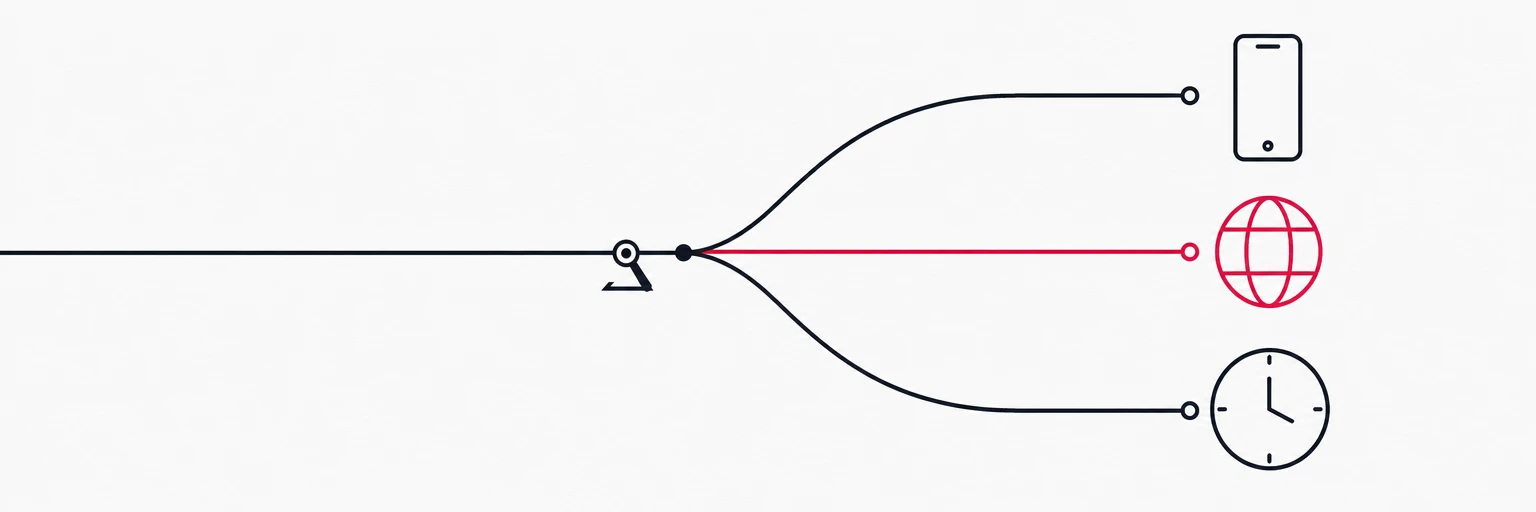
Migrating 50,000 links without losing a click
A staged migration with a diff as the go/no-go check and DNS as the switch
 6 min read
Updated Sep 30, 2026
Why it feels risky, and why it is not
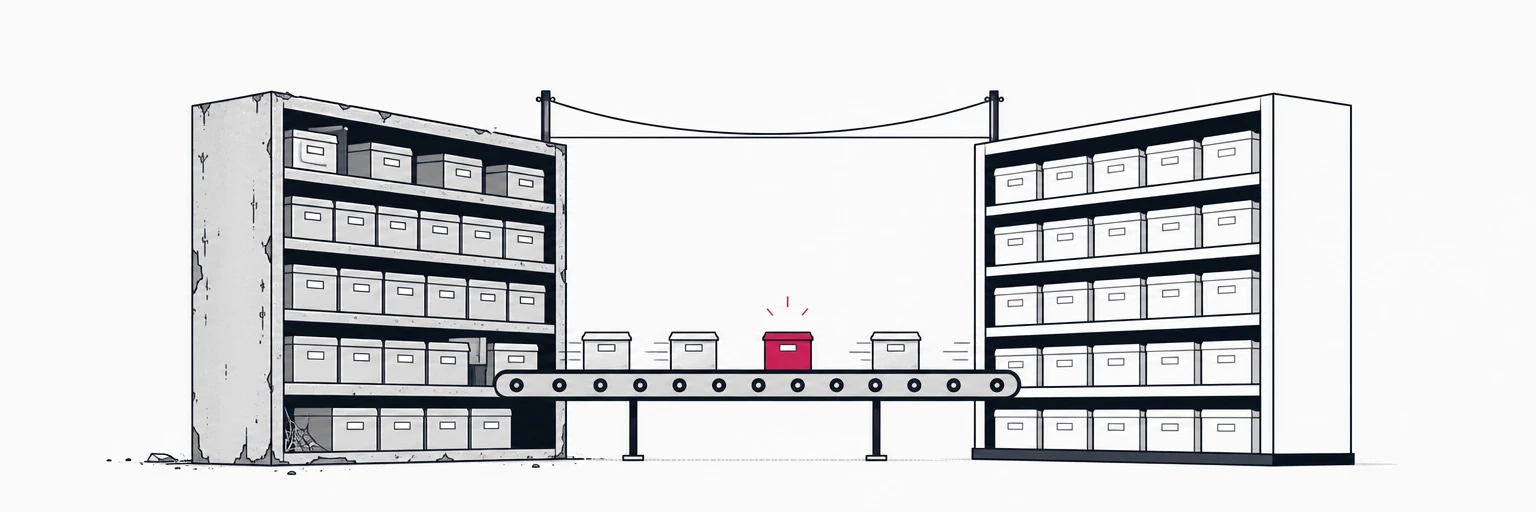
Switching link providers looks like a bet on every link you ever shared. Printed QR codes, three years of social posts, email footers, partner integrations: all of them point at the old domain, and none of them can be edited. The fear is that the moment you move, some fraction of that history goes dark.
A staged migration turns that bet into a sequence of boring, reversible steps. Nothing goes dark because nothing is switched off until the new system has been proven to answer every URL the old one did. What follows is the plan for an estate in the tens of thousands of links; the same plan works for five hundred, it just finishes before lunch.
Step 1: inventory, then rank
Export everything from the old provider: slug, destination, status code, creation date and click count. Most providers offer a CSV export; if yours only offers an API, page through it and write the same columns. Then rank by clicks over the last twelve months.
The distribution is always lopsided. A small fraction of the links carries most of the traffic, and the long tail has not been clicked in a year. That ranking drives the whole migration:
- Hot links get individual attention: verify the destination still works, decide the status code deliberately, and test them by hand after import.
- The tail gets imported in bulk and verified automatically.
- Dead destinations get retired, not migrated. A link whose target returns 404 today does not deserve a new home.
Step 2: own the domain before you move anything
This is the step that decides whether the migration is invisible or painful.
Links on your own custom domain, go.example.com/launch, survive any provider change: the domain is yours, and pointing it at a new provider is a DNS change. Links on a provider's shared domain, bit.ly/3xYz, are not yours and cannot be moved; the best you can do is keep paying for them until the traffic fades.
So if your estate lives on a shared domain, the migration has a prerequisite: put a custom domain in front of the new links, and start moving high-traffic placements to it immediately, so that the next migration, whenever it comes, is a DNS record. On rii.link connecting a domain means adding the DNS records it gives you; verification and the certificate are automatic, and if you ever leave that domain, one catch-all 301 with the original path appended carries every link across.
Step 3: import with a script, idempotently
There is no magic here, just a loop over the API that creates one link per row; a self-serve CSV import is on the roadmap for Q4 2026. Connect the domain through the API first (POST /v1/domains); links can be written onto it right away, while it still shows pending_dns. For a move that keeps the same domain, rehearse on a staging subdomain (the go-new host in step 4), then run the same idempotent script against the real domain before the DNS switch in step 5, hot links first. Two properties matter more than speed:
- Idempotent by slug. Running the script twice must not create duplicates or error out halfway. Check for the slug first, or treat "already exists" as success.
- Collisions are reviewed, never renamed. If two rows want the same slug, or a slug is already taken in the new workspace, the script writes them to a review file and moves on. Silent renames are how printed codes break.
# one row: slug,destination,status_code
curl -X POST https://api.rii.link/v1/links \
  -H "Authorization: Bearer $RII_KEY" \
  -H "Content-Type: application/json" \
  -d '{"domain": "go.example.com", "slug": "launch", "url": "https://example.com/launch-2026"}'
import csv, os, requests
API = "https://api.rii.link/v1"
rii = requests.Session()
rii.headers["Authorization"] = f"Bearer {os.environ['RII_KEY']}"
existing, cursor = set(), None
while True:
page = rii.get(f"{API}/links", params={"domain": "go.example.com", "limit": 100, "cursor": cursor}).json()
existing |= {link["slug"] for link in page["data"]}
cursor = page["next_cursor"]
if not cursor:
break
with open("export.csv") as f, open("collisions.csv", "w") as review:
for row in csv.DictReader(f):
if row["slug"] in existing:
continue # imported on an earlier run
r = rii.post(f"{API}/links", json={"domain": "go.example.com", "slug": row["slug"], "url": row["destination"]})
if r.status_code == 409: # slug_taken: review, never rename
review.write(f'{row["slug"]},{row["destination"]}\n')
continue
r.raise_for_status()Run it first against a test key; on rii.link a rii_test_ key never writes to production links, so a dry run costs nothing. Then run it for real, in slug order, and let the rate limit set the pace. A paid plan's limit moves tens of thousands of links in a few hours, which is a coffee, not a project. Links created through the API answer with a 302; if one of the hot links must be permanent, change its status code in the dashboard after the import, where it is a per-redirect choice.
Step 4: verify with a diff, not with confidence
Before any DNS changes, prove that the new system answers like the old one. For every slug, request both hosts and compare status code and Location:
$ curl -sI https://old.example.com/launch | grep -iE "^(HTTP|location)"
HTTP/2 302
location: https://example.com/launch-2026
$ curl -sI https://go-new.example.com/launch | grep -iE "^(HTTP|location)"
HTTP/2 302
location: https://example.com/launch-2026
Script that over the inventory and write every mismatch to a file. Mismatches are usually one of three things: a status code that differed (decide which one is right, see the redirects primer), a trailing slash or query string the old provider normalised, or a slug that hit the collision file in step 3. Fix, re-run, repeat until the diff is empty. An empty diff is the go/no-go criterion; nothing else is.
Step 5: import first, then switch DNS
Connect the domain, import every link, and switch DNS only when the import has finished. While the domain is pending_dns, each link comes back with "staged": true: it is stored and already loaded into routing, and GET /v1/domains/{id} shows staged_links counting up. Nothing gets re-sent afterwards. When the record points at rii.link, the domain turns active and every link answers from the first request. There is no window where half the slugs 404. The only wait is the certificate, which is issued once DNS points here. Lower the record's TTL a day ahead so the switch is quick, and so is the way back. The old provider keeps running; if anything looks wrong, change the record back and you are exactly where you started.
For the first days after cutover, watch two things:
- Unknown paths. Requests for slugs the new system does not know are the long tail you missed, or typos that the old provider tolerated. rii.link logs them, so the list is a report, not a guess.
- The hot links, by hand. Open the top twenty on a phone. Machines diff headers; people notice a landing page that loads but looks wrong.
Keep the old domain alive if you have one: set it to redirect permanently to the new domain, path preserved, and inbound links from other sites keep passing their value.
Step 6: retire slowly, export always
Turn the old provider off only when its traffic has faded to nothing, which for a big estate can take months of a tail that never quite reaches zero. That is fine; a small plan on the old side is cheap insurance.
And take the lesson into the new home. On rii.link you can export the whole workspace at any time from Settings → Export: every link as JSON or CSV, or as nginx and Caddy rules to re-host them yourself, plus your click history. A provider that makes leaving easy is a provider you can trust with the next 50,000 links.
Written by
Florian
Florian builds rii.link, the routing layer behind short links: redirects, dynamic responses and links that answer AI agents. He writes The Redirect about what happens between a click and its destination.