Your dynamic QR code is a redirect you rent
Trials, scan caps and lapsed plans switch off every printed copy at once. How that happens, and how to print codes on a hostname you can take elsewhere.

A QR code has no clock in it. When a printed code "expires", what stopped is the server behind the URL it encodes, and with a dynamic code that server belongs to the vendor. If the trial ends, the free tier hits its cap or the subscription lapses, every printed copy stops working at the same moment. The fix is not to avoid dynamic codes. It is to make sure the hostname in the ink is yours.
The ink is fine, the hostname is not yours
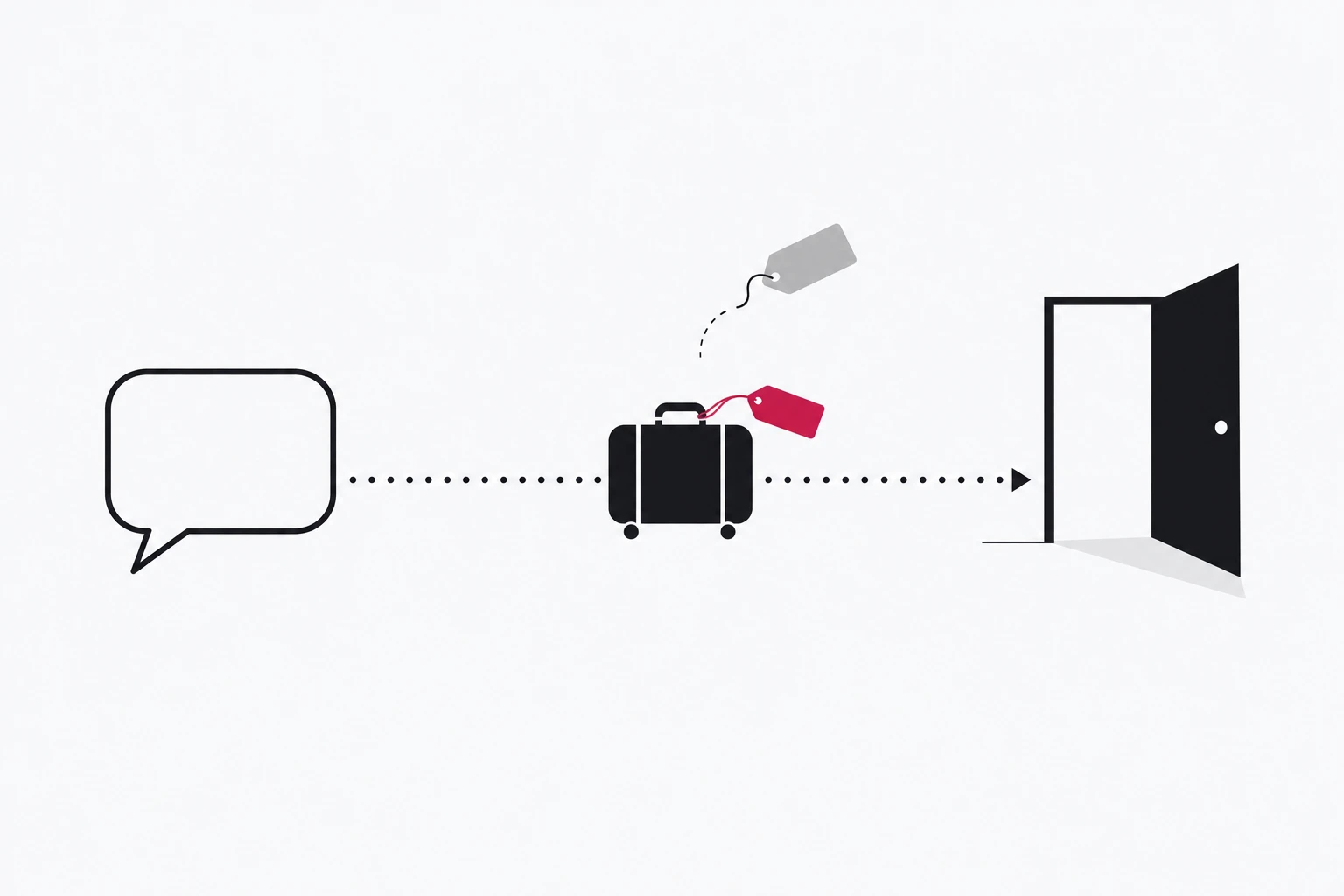
A static code encodes your final URL. A dynamic code encodes a short URL on the generator's hostname, something like qr.vendor.example/, and that server answers each scan with a redirect to wherever you currently point it. The indirection is what makes the code editable after printing. It is also why the code works only as long as the vendor keeps answering for that path.
Scanova, which sells dynamic codes, says it without hedging in its data piece on code expiry (updated 13 October 2026): "A dynamic code fails under exactly one condition: the redirect stops resolving." In practice, the page continues, "that happens when the account behind it is closed or its subscription lapses."
The same page reports that the average code in active circulation on its platform is 2.4 to 2.6 years old, and that the oldest codes still being scanned are 8 to 10+ years old. That is Scanova's own platform data and the methodology is not published, but the direction is plausible: packaging, menus and signage routinely outlive the subscription that generated their codes.
Three ways printed codes go dark
These are the vendors' own help-center pages, read this week. None of it is hidden, and none of it is unusual for a subscription product. The trouble is that the product is printed on your packaging.
The trial ends. QRfy's help center says that when the trial expires, "Any Dynamic QR Codes that you created during the trial period will be deactivated and linked to a service page" (QRfy). QR Code Generator says the same of its free trial: dynamic codes "are deactivated and point to a service page rather than the original destination", while static codes keep working (QR Code Generator). Note what the scanner sees: not an error, but the vendor's page where yours used to be.
The free tier hits its cap. QR Tiger's free plan "includes a 3 dynamic QR codes, which come with 500 scan limit", and "Once this limit is reached, the QR code will stop working" (QR Tiger help). The code that hits the cap first is the one on your most successful poster.
The subscription or account ends. QR Tiger: if a paid subscription expires or is cancelled, "All dynamic QR codes will become invalid" (QR Tiger help). Uniqode: "Your dynamic QR Codes will only expire if your Uniqode account is canceled" (Uniqode help). AZ Big Media quotes Uniqode support telling a customer in writing: "ending the subscription ends the service. That would mean the deactivation of the QR codes."
The vendor can also simply stop. Google's goo.gl shortener is the large precedent. Google announced in July 2024 that goo.gl links would return a 404 after 25 August 2025, then on 1 August 2025 narrowed the shutdown to links that had shown no activity, saying it would "preserve actively used links". Even the reprieve was Google's call, not the call of the people whose links were in print.
Static codes do not solve it
The obvious escape is a static code: encode https:// directly and no vendor sits in the path. That works until the URL changes. A site migration, a CMS that renames paths, a campaign page you want to retire: every printed copy now points at a 404, and ink takes no edits. You also lose the scan count, because nothing in the middle sees the request. We covered that trade-off in QR codes that don't suck.
What you want is the editability of a dynamic code without the vendor's name in the ink.
Own the hostname, rent the router
Put a short link on your own subdomain into the code: go.yourbrand.com/. In DNS, go.yourbrand.com is one record pointing at whichever redirect service you use today. If that service lapses, shuts down or stops suiting you, you point the record at another one that answers the same paths with the same destinations. The printed code never knows.
Vendors who offer custom domains say this themselves. Hovercode describes them as what "makes it possible to change providers and keep your codes alive", adding: "This is not possible when using the default domains" (Hovercode).
Repointing DNS only helps if four things are portable:
- The domain. It sits in your registrar account, or your client's, with renewals on a card someone watches. Not in the vendor's account, and not in the agency's.
- The map. Every path and its current destination, exportable as a file. Without it, a repointed domain lands on a server that answers nothing.
- The rules. If paths route by device, country or time, the new host needs those rules too, or a deliberate decision about which fallback each path serves.
- The certificate. The new host must obtain TLS for your hostname before you switch, or the first scan after the move hits a certificate error. Our piece on 64-day certificates covers the DNS details that trip this up.
For a large move, the sequence in Migrating 50,000 links without losing a click applies to QR paths unchanged.
Where rii.link fits
This is our magazine, so here is exactly what rii.link does, from our pricing page and docs.
A rii.link QR code encodes your short link, never the destination, and custom domains are on every plan: Free includes two. Export is on every plan too. Under Settings → Export, workspace owners and admins can download every link as JSON (lossless, including routing rules), as CSV, or as nginx and Caddy rule files that re-host the redirects on your own server, one server block per domain. The API does the same for API-created links:
curl -OJ "https://api.rii.link/v1/export/links?format=json" \
  -H "Authorization: Bearer $RII_KEY"
One honest limit: nginx and Caddy cannot express geo, device, language, time-window or split rules. The export drops those with a comment naming each one, and that link serves its fallback destination. Keep the JSON file as the complete record.
On lapse, the pricing FAQ says a cancelled Premium workspace "falls back to Free — your links keep working", and that cancelling "never deletes or breaks links". Free has no time limit and never meters clicks, so there is no trial to run out and no scan cap to hit.
A pre-print checklist
- Scan the proof and read the URL. Whose hostname is it? If it is the vendor's, decide now whether that is acceptable for the print run's lifetime.
- Check who owns what. The domain, the link account and the billing should belong to the brand. Agencies: create codes in the client's workspace, not yours.
- Export today. Download the link list before you need it, and confirm destinations and rules are in the file.
- Read the lapse terms. Trial length, scan caps, what happens on cancellation. The help-center pages quoted above took minutes to find.
- Set two reminders. One before the domain renews, one before the plan does.
- Rehearse the move. Run the exit in the callout above, once, before ten thousand boxes ship.
What the Digital Fairness Act will and will not change
On 11 November 2026 the European Commission proposed the Digital Fairness Act, promising digital subscriptions that are easier to cancel and "an end to unwanted automatic renewals and free trials turning into subscription traps". The background is in the Parliament's research briefing: in the Commission's fitness-check consultation, 69% of respondents reported difficulties cancelling an online contract and 62% had a subscription renewed without a reminder.
That will make it easier to leave a QR vendor. It is still a proposal, not law, and nothing in the Commission's summary obliges a vendor to keep answering your redirects after you stop paying. Easier cancellation and a working printed code are different problems. Only the second one is solved by owning the hostname.
Written by
Florian
Florian builds rii.link, the routing layer behind short links: redirects, dynamic responses and links that answer AI agents. He writes The Redirect about what happens between a click and its destination.