Why your smart link opens the website, not the app, inside Instagram
Apple and Google hand a link to your app only after a real tap in a browser that passes it on. What a 302 can't do, the interstitial that can, and a test matrix.

A link in an Instagram bio points at your app. On Safari it opens the app. Inside Instagram, the visitor gets your website instead, logged out, in a browser that isn't theirs. Nothing is broken. Apple and Google both hand a link to an app only when a user taps it in a browser that chooses to pass it on, and a server-side redirect is neither a tap nor a browser. This piece walks through the rules from the platform docs, shows what a redirect can and cannot do about them, and gives you the one pattern that holds up: a page with a button the visitor taps.
What the visitor actually gets
Instagram, Facebook and TikTok open links in their own embedded browser, not in Safari or Chrome. That browser has its own cookie jar, so the visitor is usually logged out of your site and has no saved passwords. Several deep-linking vendors who test this for a living report the same result: WarpLink's September 2026 guide says none of these apps "hand a Universal Link or an App Link off to your app on page load", and Airbridge and Linkrunner describe the same behaviour. These are observations, not guarantees. Linkrunner says it plainly: behaviour "changes with app updates".
You may also have read that Meta switched off deep links in Instagram on a specific date in March 2026. That claim comes from one vendor's page, which cites no Meta source. We found none either, so treat it as unconfirmed.
The rules, from the source
iOS. Apple's current documentation says users open your app "when they click links to your website within their browser app and WKWebView" (Allowing apps and websites to link to your content). The key word is click. Apple's debugging technote, TN3155, adds three rules that matter here:
- "It is up to third-party web browsers to enable universal links functionality." An in-app browser is a third-party browser. Whether it passes a tapped universal link to iOS is the host app's decision.
- "Entering the URL directly into the web browser's address bar will never open the app."
- Redirects: "Redirection is allowed, although not preferred, when opening universal links from another app. If the link tapped on by the user is not a universal link but redirects to one, the user will be routed through the web browser to the app."
There is also a domain rule. If a user on your site in Safari taps a universal link on the same domain, "the system opens that link in Safari"; a link on a different domain opens your app. Your short-link domain and your app's domain are usually different, which helps.
"Not preferred" is doing real work in that redirect sentence. In an Apple Developer Forums thread, developers report that tracking links which 302 to a universal link stopped opening the app on iOS 18, and Apple's DTS engineer advises: "Please do not use any redirect at all to make sure Universal Links work properly." If you put a short link in front of a universal link, test it on current iOS before you print it.
Android. App Links are verified HTTPS links that open your app "without requiring the user to select your app from a disambiguation dialog". They work on Android 6 and later on devices with Google services; Dynamic App Links, which let you change matching rules and exclusions in assetlinks.json without shipping an app update, need Android 15. Chrome's Custom Tabs guide says Custom Tabs support App Links by default, but "passing a CustomTabsSession to a CustomTabIntent will force open the link in a Custom Tab, even if the corresponding native app is installed." Again, the host app decides.
Chrome's intent documentation is explicit about gestures. Chrome won't launch an external app when "the Intent URI is redirected from a typed in URL" or "is initiated without user gesture", and only activities with the BROWSABLE category can be opened this way.
Why a 302 can't open your app
A redirect happens on the server. It tells the client "go here instead" and nothing more. The decision to hand a URL to an app is made on the device, by the browser that is showing the page, and both platforms tie it to a user's tap. No status code, header or redirect trick changes that. Airbridge puts it well: "There is no server-side change that overrides that."
What the redirect can do is choose. It sees the request: the device, the language, the user agent and the path. The in-app browsers add their own tokens to the user agent; WarpLink's example detection pattern matches Instagram, FBAN, FBAV, FB_IAB, TikTok and BytedanceWebview. Those tokens are not documented by Meta or ByteDance and can change in any update. And as we wrote in Your user-agent check believes anyone, a user agent is a claim, not proof. Use it for convenience routing, never for anything that must be right.
The pattern that works: give the visitor something to tap
Since the handoff needs a tap, give the visitor one. Send in-app traffic to a small interstitial page with a single, obvious "Open in app" button. The tap on that button is a real user gesture, which gives the in-app browser its best chance to pass the link on.
- On iOS, link the button to your universal link. Host the interstitial on a different domain from the app's associated domain, so the same-domain rule doesn't keep the visitor in the browser.
- On Android, link the button to an
intent:URL withS.browser_fallback_url. Chrome documents that the visitor is sent to the fallback "when an intent isn't resolved or an external application doesn't launch", so one URL covers both cases. Not every embedded WebView honoursintent:URLs; developers on Meta's own forum report the Instagram Android browser ignoring them. Test it. - Below the button, add one line telling people how to open the page in their own browser from the app's menu. It costs nothing and catches the visitors the button doesn't.
- For visitors without the app, send the button's fallback to the store or your web page, and don't promise that their context will survive the install.
<main>
  <h1>Open in the Example app</h1>
  <!-- iOS: a universal link on the app's domain, tapped from a different domain -->
  <a class="button" href="https://app.example.com/product/42">Open in app</a>
  <p>Nothing happens? Tap ··· and choose “Open in browser”.</p>
</main>intent://app.example.com/product/42#Intent;scheme=https;package=com.example.shop;S.browser_fallback_url=https%3A%2F%2Fexample.com%2Fproduct%2F42;endDon't trigger the button with JavaScript on page load. Chrome's docs name "a JavaScript timer tried to open an application without a user gesture" as a case where no app launches, and it reads as a trick to the visitor even where it works.
Where rii.link fits
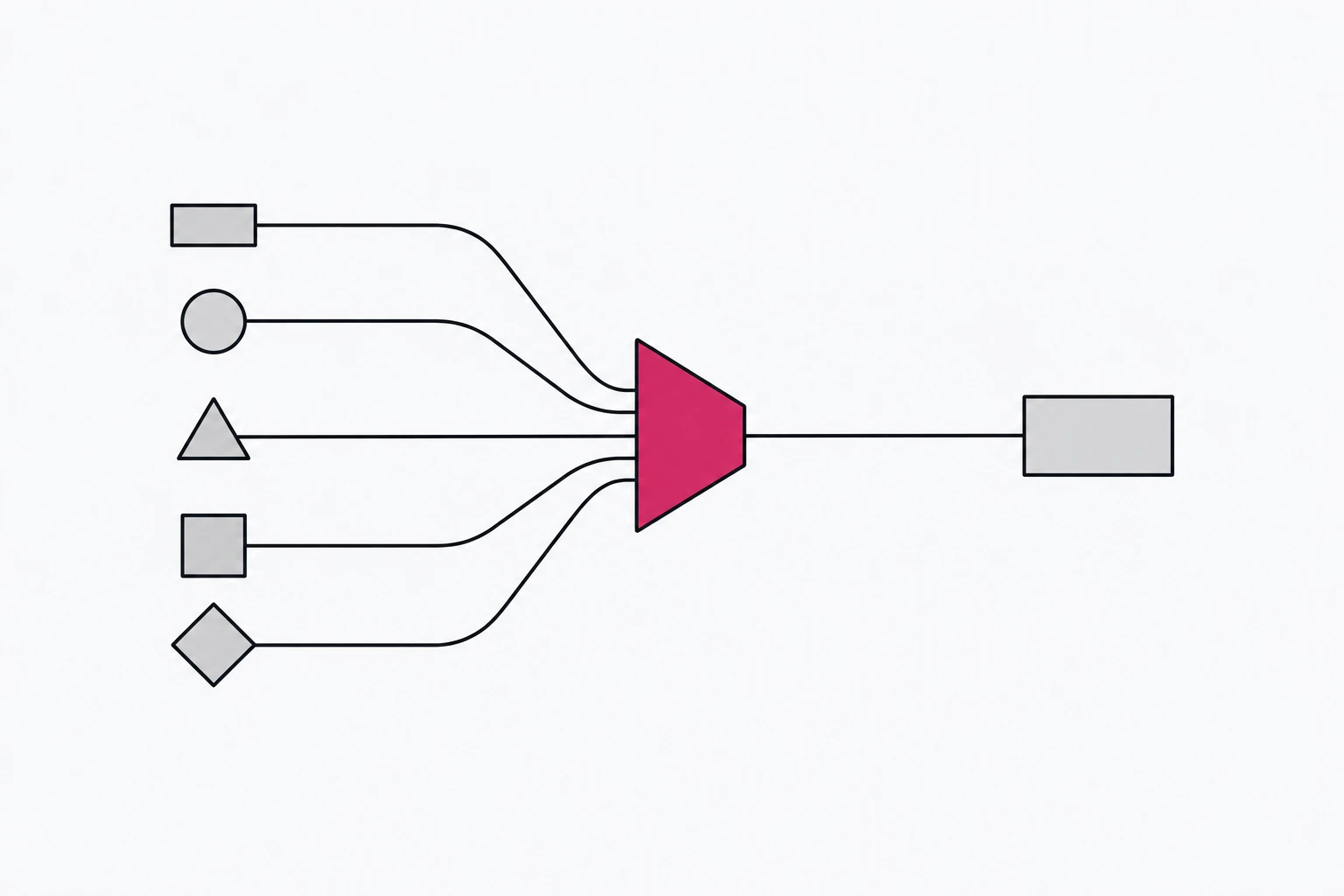
You don't need user-agent sniffing to know a click came from Instagram if the link only lives in Instagram. Give each channel its own short link on your custom domain, and point the bio link at the interstitial. On Premium, routing rules can then split that one link by device (ios, android, mobile, tablet, desktop), so iPhones get the interstitial with the universal link, Android phones get the one with the intent: URL, and desktops go straight to the website. Rules run top-down, the first match wins, and every link has a required fallback URL, so no combination ends on an error. Your Safari, email and QR traffic keeps its own link that redirects directly. The smart routing playbook covers device rules in more depth.
Test before you post
None of this is a contract, so measure it. Run the matrix on real devices, with the app installed and without, and note what opened:
| Opened from | iOS, app installed | iOS, no app | Android, app installed | Android, no app |
|---|---|---|---|---|
| Instagram bio and story | ||||
| TikTok | ||||
| Safari or Chrome | ||||
| Notes or Messages |
Test the bare universal link and the short link that redirects to it separately, so you know whether the redirect itself costs you the handoff. Then repeat the matrix after each major iOS release and whenever one of the social apps ships an update you can feel. The day the button stops working, you'll want to know before your campaign does.
Written by
Florian
Florian builds rii.link, the routing layer behind short links: redirects, dynamic responses and links that answer AI agents. He writes The Redirect about what happens between a click and its destination.