Security scanners are clicking your email links first
Bot clicks reached about 16% of B2C email clicks in 2026. Here is what scanner traffic looks like at the redirect, and how to keep it out of routing and analytics.
 7 min read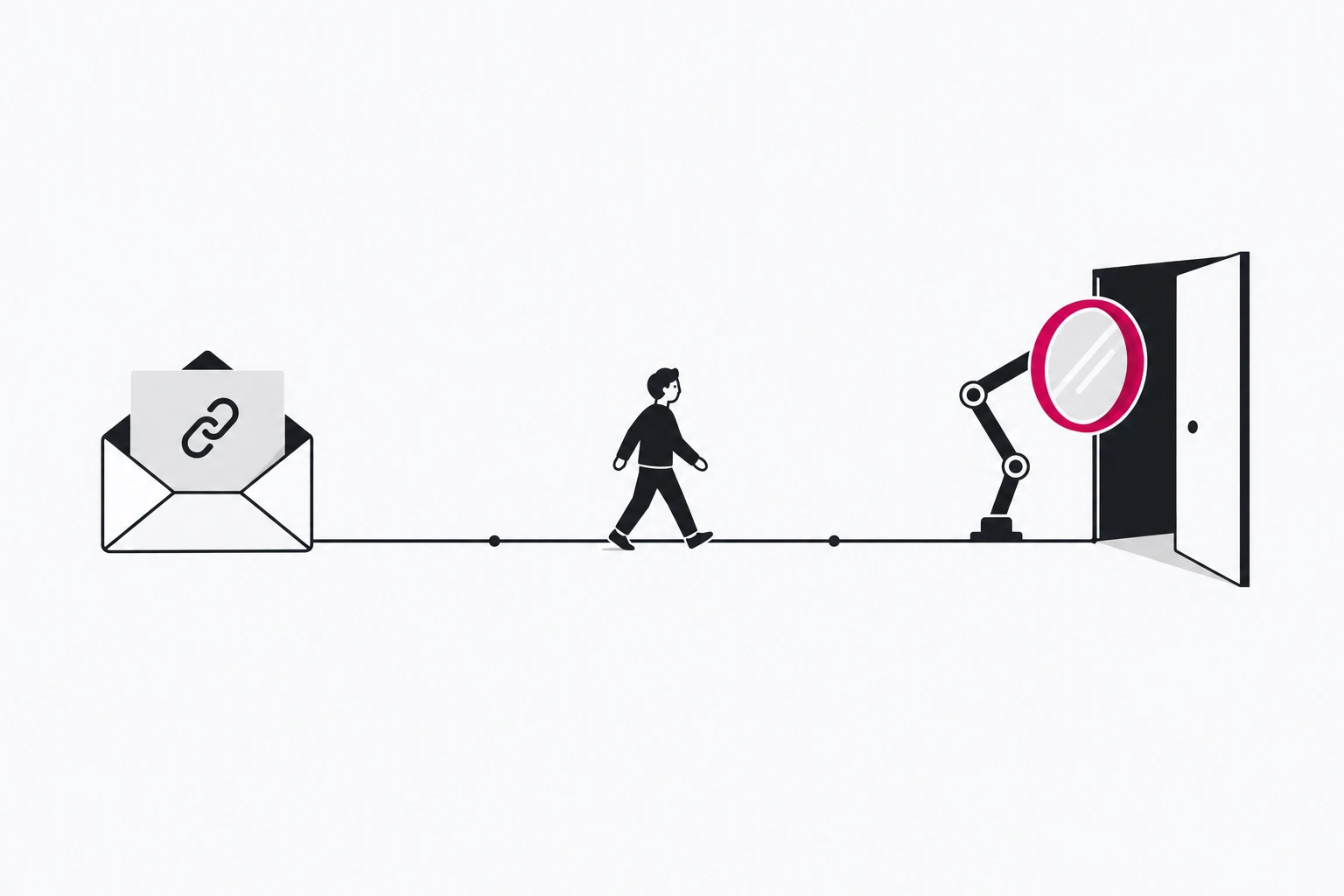
Send a newsletter and, within seconds, your short links start counting clicks from people who have not opened it yet. Most of those clicks are not fraud. They are security products fetching each link to decide whether it is safe, and in 2026 there are a lot more of them. Your email platform increasingly filters them out of its own report. Your short link, its routing rules and its A/B split do not get that filter for free: by the time anyone decides the click was a machine, the redirect has already happened.
This piece covers where scanner clicks come from, how large the share has become, what they look like at the redirect, and a playbook that keeps routing and reporting decisions in human hands.
The click before the click
The best-documented scanner is Microsoft's. Safe Links in Defender for Office 365 (page updated 2026-05-22) rewrites links in email to a safelinks.protection.outlook.com address, scans links in real time during mail flow, and detonates URLs without a valid reputation "asynchronously in the background". One setting, "Wait for URL scanning to complete before delivering the message", holds the message until the scan is done; Microsoft lists it as the recommended value. When the reader later clicks, Safe Links checks the URL again at time of click, in email and in Office apps; in Teams it checks without rewriting.
So a single link in a single message can be fetched at delivery, in a background detonation, and again when the person clicks. Corporate gateways add their own layer. Mailchimp's guide to bot clicks lists the stages: firewalls before delivery, mailbox providers in transit, privacy tools at the inbox, and clients and spam filters on open.
None of this is new. In 2017, RFC 8058 already noted that anti-spam software "often fetches all resources in mail header fields automatically" and that a sender has "no mechanical way" to tell those requests from a human's. What changed is the volume.
How big it is now
The most detailed recent numbers come from Omnivery, an email infrastructure vendor that sells bot detection, so read them as one firm's measurement. Its State of Email Bots 2026 (published 2026-08-10) covers billions of events across 126 mailbox-provider families and classifies clicks from network, behaviour and reputation signals, "never from the user-agent strings".
- In consumer (B2C) email, about 2% of clicks were bots in 2023, and roughly 16% in 2026.
- Gmail sat around 6% through 2025 and early 2026, then stepped up to about 22% in late February 2026 and has held there for 20+ weeks. Google has not documented what changed.
- In Q2 2026, Outlook and Hotmail were around 30%, iCloud about 12%, Yahoo and GMX about 2 to 4%.
- On senders using Omnivery's Bot Detection API, bot clicks were around 48% in the first half of 2026 and crossed 50% in June.
Emailexpert's write-up of the report adds the figure B2B senders feel most: on corporate domains, 80 to 95% of clicks are bots. Publishers have noticed: A Media Operator reported in August that newsletter advertisers may start asking for "verified clicks".
Your ESP filters its report, not your links
Most email platforms now remove scanner clicks from their dashboards, with different defaults. Emailtooltester's comparison (updated 2026-08-05) found:
- Brevo makes filtering optional. Turning it on cut the authors' newsletter click-through rate by 9.4%.
- Klaviyo lets you filter reports, attribution, or both.
- HubSpot filters by IP and domain rules, which do not apply retroactively.
- ActiveCampaign's BotSense filters campaign reports but not workflow triggers.
- Beehiiv shows "Verified Clicks", on by default.
- Constant Contact filters on known non-human user agents, with no customisation.
- Kit does not filter bot clicks.
Mailchimp describes its own filter as fingerprinting, IP intelligence and behavioural analysis.
All of this happens in the report, after the fact. The request still reached your link. If that link is a smart link, the scanner has already been matched against your routing rules, assigned to an arm of your A/B split, counted in your link analytics and, if you trigger anything on a click, it has fired that too. The ActiveCampaign caveat is the general case: report filters do not reach automations.
What a scanner click looks like at the redirect
No single signal is proof. Together they are hard to miss.
- Timing. Scanners click "very soon after emails are sent", as Emailtooltester puts it. Human clicks spread over hours.
- Every link at once. Humans click one or two links. Scanners request many in a short window, often from the same IP address.
- Network origin. The requests come from the scanner's infrastructure, not the reader's home or office connection. Mailchimp flags "multiple clicks from the same IP address" and "suspicious IP addresses".
- No follow-through. Mailchimp's list includes "high clicks with low conversions": the visit never turns into a page view, sign-up or purchase.
- Honeypot hits. A link no person would click gets clicked.
Treat the user agent as a weak signal. Some filters rely on it (Constant Contact's does), but Omnivery explicitly does not, and a scanner that wants to see what a person would see has every reason to look like a browser.
Two things are not documented in anything we read: whether a given scanner sends a GET or a HEAD request, and whether it follows a redirect chain to the final page. Microsoft's Safe Links documentation says neither. Assume a scanner can follow your redirect all the way, and check your own logs before relying on anything else.
The playbook
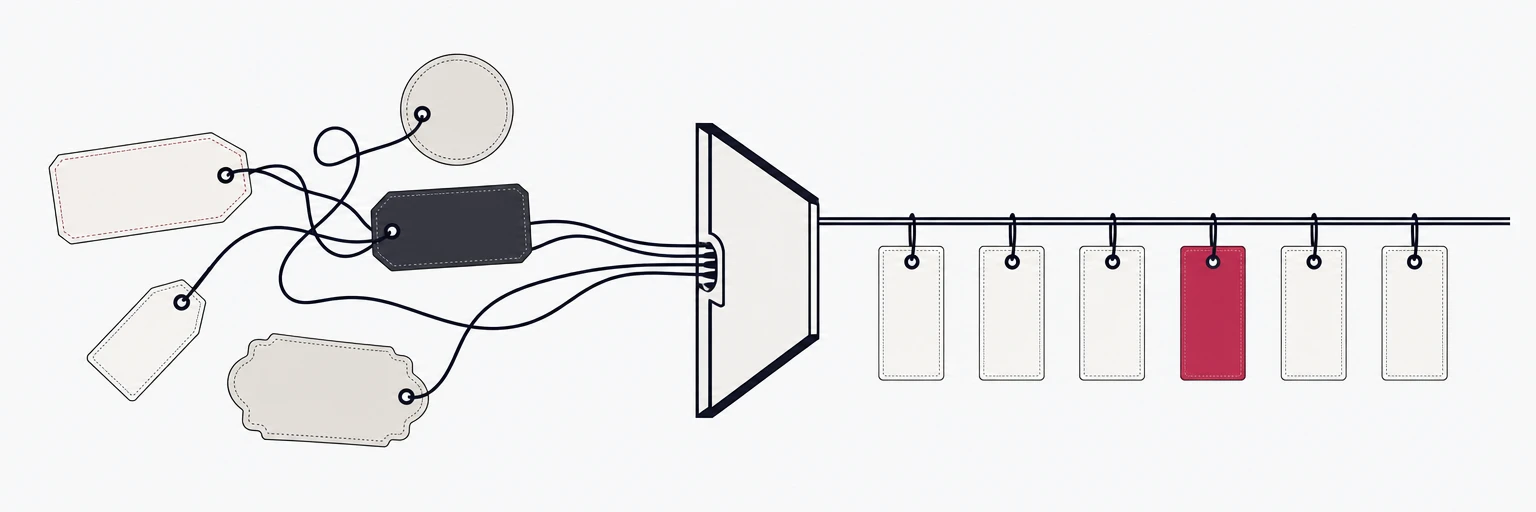
1. Put a honeypot link in every send. Emailtooltester's recipe: a link "a human reader would never click", for example one hidden in a full stop. Make it its own short link with its own slug, pointing at a harmless page, so screen-reader users who find it land somewhere sensible. Its click curve is your scanner baseline for that send and that audience.
2. Use one link per email and placement. A distinct short link for the header, the main call to action and the footer lets you see the "every link at once" pattern, and lets you compare each against the honeypot. Keep UTM tags consistent so the split survives into your analytics (our UTM naming guide has a convention).
3. Exclude the scanner window from decision metrics, using your own data. If honeypot clicks stop after the first few minutes, decisions based on clicks can start after that window. There is no universal number; measure it per list, because a B2B list behind corporate gateways behaves differently from Gmail consumers.
4. Never complete a one-time action on a GET. This is the expensive one.
5. Keep scanners out of experiments and automations. Judge A/B splits and routing rules on conversions or on clicks outside the scanner window, not on raw redirect counts. Do not send a "hot lead" alert to sales because someone at a company "clicked": on corporate domains, Omnivery's numbers say that click was most likely a gateway. Our smart routing playbook covers how to set up the splits themselves.
6. Classify, do not block. Most scanner traffic is a security product protecting your reader. With Safe Links' recommended setting, delivery can wait on the scan, and a link that errors or behaves differently when a scanner asks invites exactly the suspicion the scanner exists to catch. Redirect them normally and keep them out of the numbers you decide on.
Where rii.link fits
rii.link filters known bots out of analytics totals by default and shows them as a separate "bots filtered" count in the dashboard, so you see how much was removed rather than a silently smaller number. Known bots stay visible in raw request logs. The analytics API excludes bot traffic from its stats and can bucket clicks by hour and group them by routing rule, which is the granularity you need to compare a honeypot link's curve with your real call to action.
rii.link does not publish which scanners its classifier catches, and no vendor's filter will match every gateway your readers sit behind. The honeypot link is how you check: if it still shows human-looking clicks after filtering, you know how much residual noise to discount in that audience.
The fix for scanner clicks is not a better blocklist. It is links designed so that a machine fetching them decides nothing.
Written by
Florian
Florian builds rii.link, the routing layer behind short links: redirects, dynamic responses and links that answer AI agents. He writes The Redirect about what happens between a click and its destination.