Your QR codes now have to pass the "check the URL" test
Customers are told to read the domain before opening a scanned code. How to make yours show a domain they can match to you, and make a pasted-over fake stand out.
 7 min read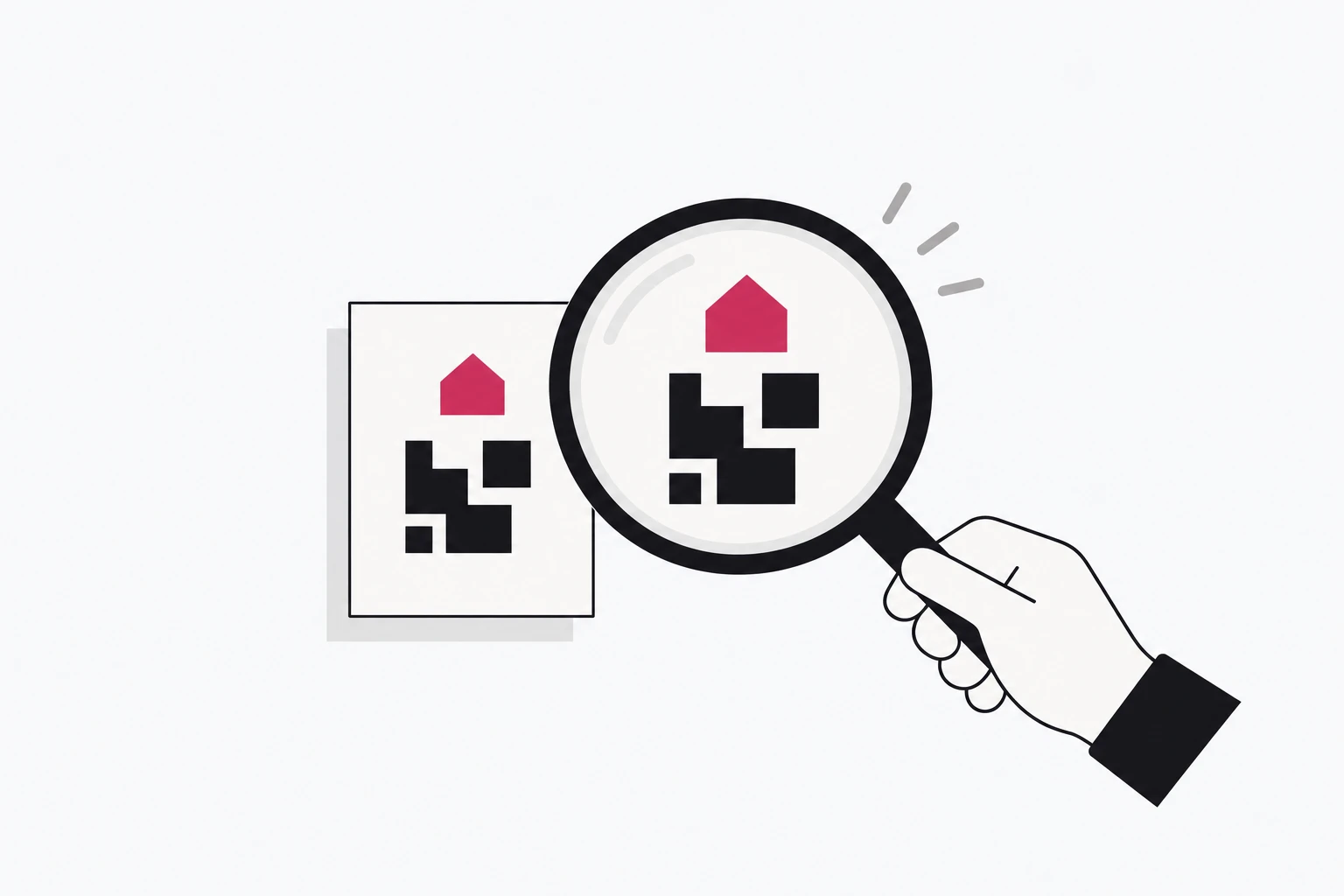
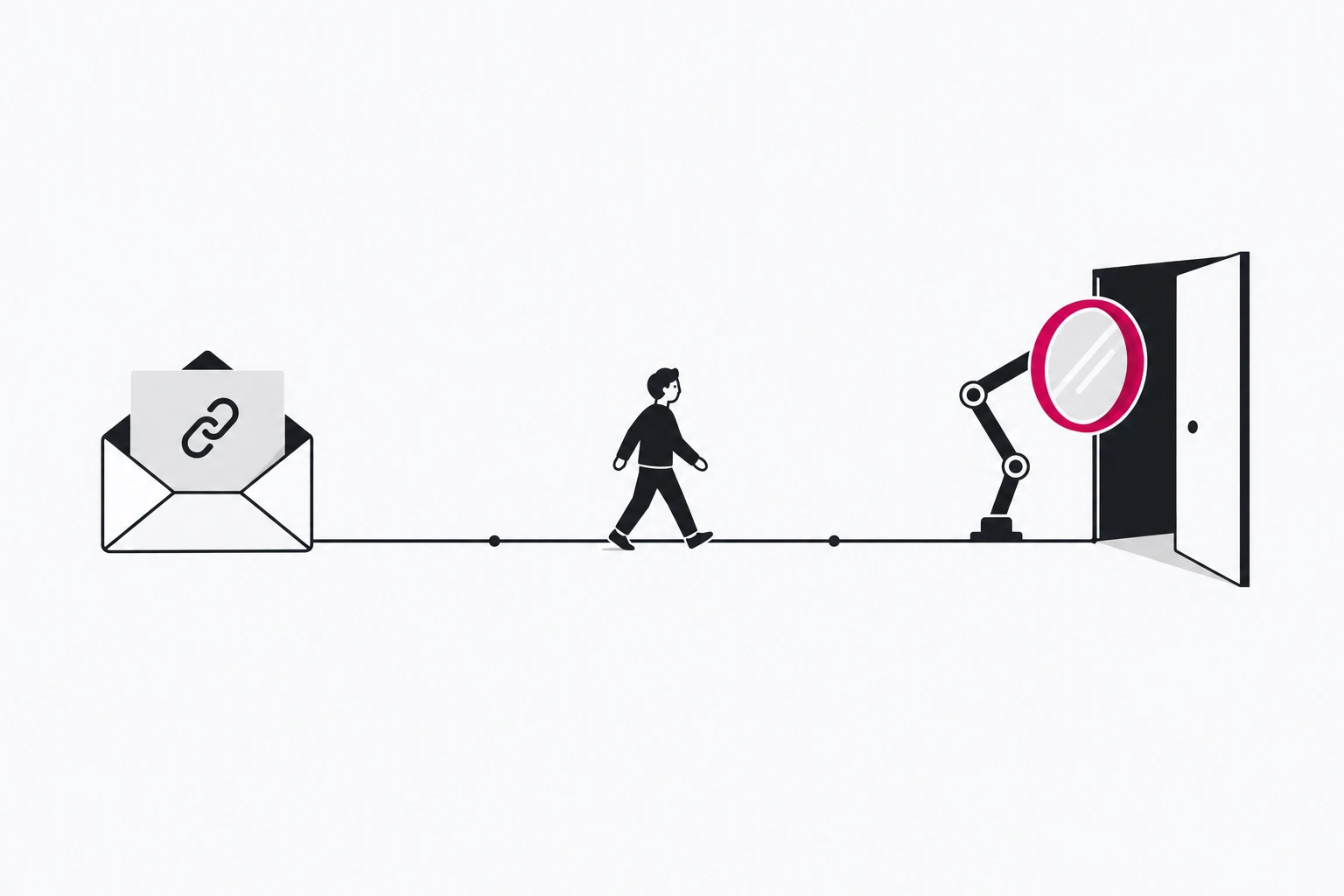
Quishing, phishing through QR codes, reached record levels this year, and the public advice has settled on one habit: before you open a scanned code, read the address and make sure it belongs to whoever printed it. That habit protects your customers, and many legitimate codes fail it, because they show a domain that belongs to a QR generator or a generic shortener rather than to the brand on the poster. This playbook is for the people who print codes: how to make yours pass the check, and how to make a pasted-over fake easier to spot.
The test your customers were taught
The numbers behind the advice are real. ESET's H1 2026 threat report, published on 8 July, says QR code phishing "has reached record levels in ESET telemetry", with attackers "exploiting the implicit trust many people place in the black-and-white squares". The full report puts the share at approximately 11% of all phishing emails ESET detected in the first half of 2026. Microsoft counted QR phishing emails rising from 7.6 million in January to 18.7 million in March 2026, a 146% increase within the quarter, with 65% to 70% of them carried in PDF attachments (Microsoft Security Blog).
Printed codes are targeted too. In January 2025, Dortmund found fake QR stickers on at least 90 parking machines in the city centre. Anyone who paid through them bought no ticket and lost money and personal data, as the joint city and police release put it. Stuttgart warned again in June 2026 after stickers labelled "Direktzahlung" turned up on its machines.
What people are told to do about it is consistent:
- The US FTC: "If you see a QR code in an unexpected place, inspect the URL before you open it", and look for misspellings or a switched letter (FTC consumer alert).
- Germany's Verbraucherzentrale tells consumers to look at the full address first, open it only if it clearly belongs to the provider, and use a scanner app that shows the address before opening if their phone opens links straight away. Its example is the punctuation trap:
beispiel.de/123is a page on beispiel.de, whilebeispiel.de-123.comis a different domain entirely. - At charging stations, the same page says: if the code has been pasted over, do not scan it.
So every code you print is now read by a growing share of people who look at the domain and ask one question: is this really them?
Why honest codes fail it
Picture the careful scanner in front of your poster. The preview shows a domain. These are the answers legitimate codes typically give:
- A generator's domain. Many QR tools encode their own tracking host so they can count scans and let you change the destination later. The reader sees the vendor, not you.
- A generic shortener. Short, but owned by someone else and shared by everyone, including people who send phishing.
- A random path on a domain nobody recognises.
x7k2.example/aB9qZlooks exactly like what the advice warns about. - A login or payment form as the first screen. That is the urgency pattern attackers use. Benjamin Claeys, CEO of the generator QR TIGER, lists requests to verify accounts, resolve payments or complete MFA as the lures that deserve the most scrutiny in his Forbes Technology Council piece.
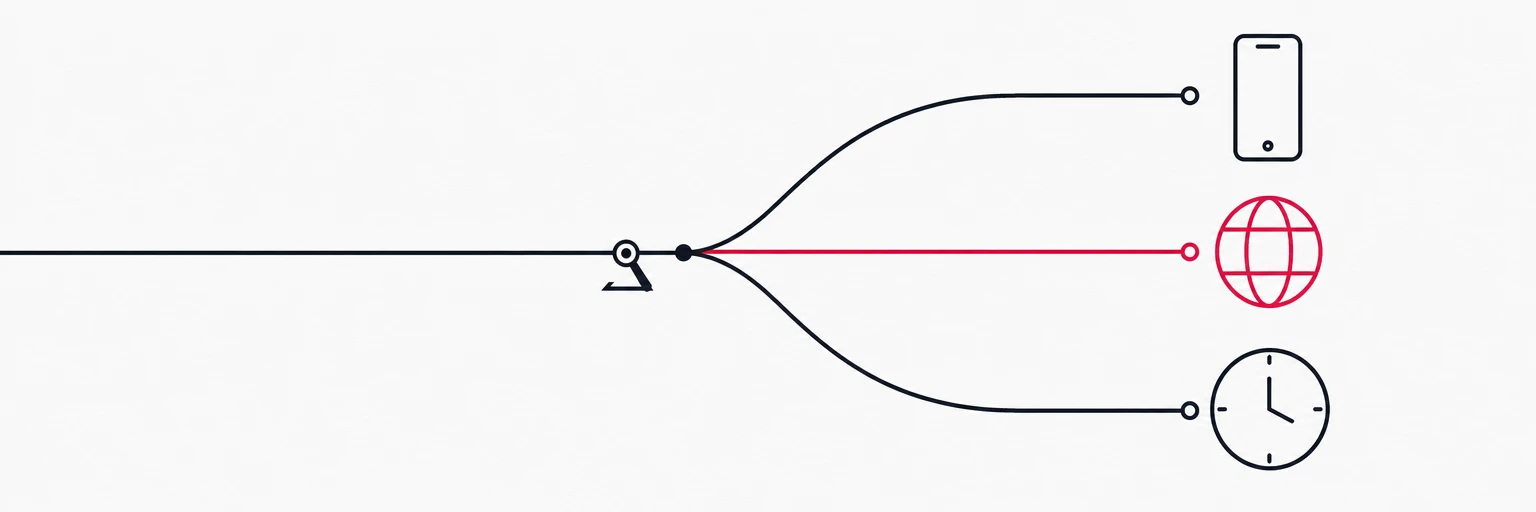
One detail makes a branded subdomain on someone else's domain weaker than it looks. The QR generator qrplanet notes that the iPhone's scan preview trims a subdomain that is too long to display and shows only the root domain, so yourbrand.some-qr-tool.com can appear as some-qr-tool.com. Your name in the subdomain is not enough. The registered domain has to be yours.
Make the domain the proof
The fix is structural: the code should resolve on a domain the reader can match to the logo printed next to it.
- Use a subdomain of your main domain, such as
go.yourbrand.comorqr.yourbrand.com. Even when a preview trims it, what remains isyourbrand.com. - Use the same domain on every printed surface. If posters say
go.yourbrand.com, letters sayqr.yourbrand.comand packaging says something else again, you have taught customers that your domain varies, which is exactly what a fake relies on. - Keep paths short and readable.
go.yourbrand.com/menuis checkable. A twelve-character random token is not. - Do not register lookalikes of yourself. A separate campaign domain such as
yourbrand-offers.comreads, to a careful scanner, like the hyphen trick the Verbraucherzentrale warns about.
For product packaging there is already a standard way to do this: GS1 Digital Link puts the resolver on a domain the brand controls. We covered it in Your product QR code is a redirect now.
Be clear about what this buys. A branded domain does not stop anyone from printing a sticker. It makes your real code verifiable in a second, and it makes a fake on a stranger's domain stand out to exactly the people who were told to check.
Print habits that make a swap visible
- Print the domain in text next to the code. "Scan or visit go.yourbrand.com/menu" gives the reader something to compare the preview against. Claeys makes the same point: put context at the point of scan so people can decide, rather than trust blindly.
- Say publicly what a real code does. EasyPark's scam page is a good model: if the app is installed its codes open it, otherwise they "will only direct you to download the EasyPark app from Apple's App Store or Google Play", and EasyPark never asks for payment through a link. A rule customers can repeat beats a vague "be careful".
- Design stickers out of payment surfaces. On parking machines, chargers and terminals, print the code into the surface (engraved, under the laminate, or on the display) rather than as a separate label, so anything stuck on top is visibly on top. Dortmund's city and police told drivers that pasted-over codes are suspicious and should not be used. Make that easy to see.
- One placement, one code. A separate link per location means an unexpected change in scans at one machine or on one poster run is a signal you can see, not noise inside a campaign total. Our guide QR codes that don't suck covers naming and tracking.
Governance after the ink dries
A dynamic code is a printed pointer you can change. That is its value and its risk: whoever can edit the destination can redirect every printed copy at once. The governance questions are the ones Claeys lists: who created each code, who can edit its destination, where it is published, and when the destination last changed.
At the link layer, that turns into four habits:
- Restrict who can edit destinations of codes already in print, and keep a record of every change.
- Check destinations whenever they change, not only at creation, against a malware and phishing list.
- Retire codes deliberately. A code that leaves circulation should point to a page that says so, never to a lapsed domain someone else can register.
- Watch each code for anomalies. A placement that suddenly scans at odd hours or from an unexpected country is worth a walk to the machine.
Where rii.link fits
A rii.link QR code encodes your short link, never the destination, so the destination stays editable after print. With a custom domain such as go.yourbrand.com, added with one DNS record and with SSL issued and renewed automatically, every link and QR carries your brand. The domain stays yours: you can re-point it at your own server and printed codes still reach you. Scans land in the same analytics as clicks, with a split between QR and link traffic, so one code per placement is easy to compare against the rest. Destinations are checked against Google Web Risk when a link is created or edited, and flagged URLs are refused.
Roles, permissions and an admin change log are not described on the public pages today. If your sign-off depends on them, ask the rii.link team what is available before you plan around them.
Checklist before the next print run
- Every code resolves on a subdomain of your main domain.
- The same domain appears on every surface.
- The domain and a short path are printed in text next to the code.
- No code opens directly into a login or payment form.
- One public sentence says what your real codes do, and support pages link to it.
- Codes on payment surfaces are printed into the surface, not stuck on.
- Each placement has its own link, and someone looks at per-code scans.
- Destination edits on printed codes are limited to named people and checked on every change.
Written by
Florian
Florian builds rii.link, the routing layer behind short links: redirects, dynamic responses and links that answer AI agents. He writes The Redirect about what happens between a click and its destination.