Safari 27 strips more click IDs
What changed, what a redirect can and can't do, and how to measure without them
 7 min read
Updated Sep 30, 2026
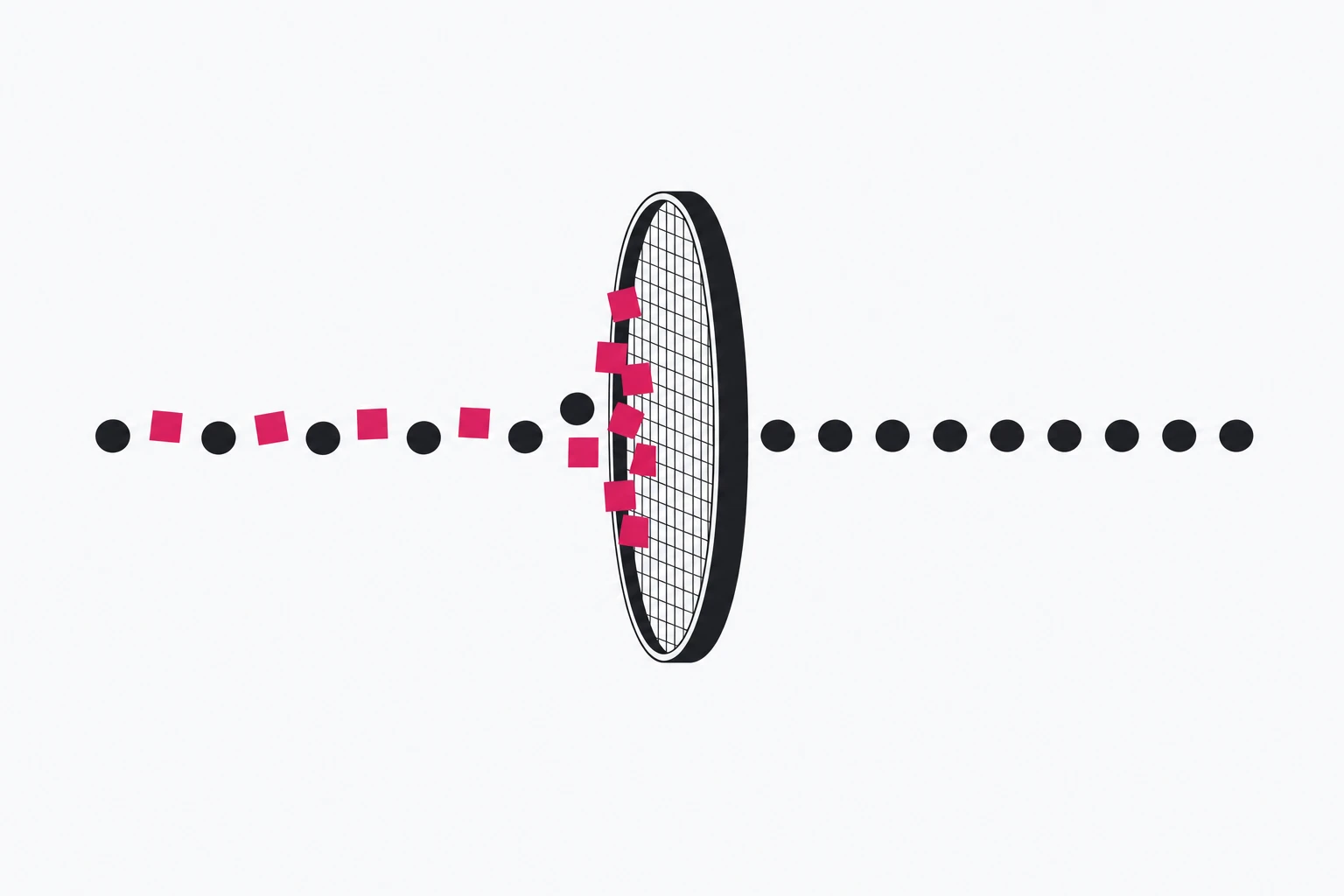
Safari 27 shipped on September 14, 2026, and with it, according to independent reviews of WebKit's source, Link Tracking Protection now removes the click IDs of three more platforms: X, YouTube and Threads. UTM parameters are still not on the list. A short link in front of your landing page does not change which parameters Safari targets, but it does change where you can count a click, and that is the part of your measurement Apple cannot touch.
This guide covers what is stripped and where, why UTMs survive, what is known (and not known) about redirects, and a measurement setup that does not depend on the parameters Apple is going after.
What Safari 27 strips, and where
Start with the caveat, because it shapes everything else: Apple does not publish the list. The Safari 27.0 release notes (version 27.0, build 20625.1.29) contain no entry about Link Tracking Protection or query parameters. The parameter list below comes from a source-code review by TAGGRS (published July 6, updated July 30), repeated by stape, which says it confirmed twclid in its own Private Browsing test. As Seresa puts it, source code shows what a mechanism can do, not necessarily what ships enabled.
| Parameter | Platform | Status |
|---|---|---|
gclid | Google Ads | stripped in earlier Safari versions |
fbclid | Meta | stripped in earlier Safari versions |
msclkid | Microsoft Ads | stripped in earlier Safari versions |
twclid, cn, cxt | X | new in Safari 27 (reported) |
si | YouTube | new in Safari 27 (reported) |
xmt | Threads | new in Safari 27 (reported) |
The contexts have not changed since the feature arrived in 2023. Apple's Safari user guide says advanced tracking and fingerprinting protection is on by default in Private Browsing, removes "known tracking parameters" from URLs, and can be switched on for all browsing in Safari's Advanced settings. Links opened from Mail and Messages are the other default context, as Improvado's September 23 summary of Apple's documented scope lists. In a normal Safari tab, with default settings, a click ID still arrives. TAGGRS notes that as of Safari 26 click IDs still passed through in standard sessions, and the universal stripping some predicted for Safari 26 never shipped.
So the loss is real but bounded: users in Private Browsing, users who turned the protection on everywhere, and clicks that start in Mail or Messages.
Why UTMs survive
WebKit's own description of the feature, in its Private Browsing 2.0 post, is precise: Safari removes query parameters "used for pervasive cross-site tracking granular to users or clicks". Its example strips known_tracking_param=123 and keeps campaign=abc.
That is the whole logic. A gclid is unique to one click, so it can tie one person's ad view to one person's purchase. A utm_campaign=spring-launch is identical for every visitor of that campaign; it describes the campaign, not the person. The same holds for any parameter you invent that carries campaign-level meaning, and for anything in the URL path. Knak's iOS 17 tests found that parameters like customer_id and utm_campaign were not touched; only listed parameters were.
If someone on your team says "Safari strips UTMs", it does not. What you lose is the platform's per-click join key, which is why the damage shows up in the ad platform's conversion reports first and in your analytics tool much less. If your UTMs are a mess, that is the thing to fix now; our UTM hygiene guide has a naming convention.
Does a redirect change anything?
This is the question short-link users ask, and there are two different cases.
Case A: the click ID is on the short link itself. An ad platform auto-tags your URL, so the user taps https://go.example.com/spring?gclid=…. Safari sees the parameter on the URL it is about to load. WebKit says removal happens "prior to navigation, such that these values are never propagated over the network". Your redirect server never receives the gclid in the protected contexts, and nothing it does afterwards can bring it back.
Case B: the short link is clean and the redirect adds parameters. The user taps https://go.example.com/spring, and your server answers with a redirect to a destination that carries the parameters. Does Safari filter the redirect target too?
We did not test this in Safari 27 for this article, so we will not claim an answer. The best published evidence is old: in 2023, Knak tested iOS 17 and found that redirect links clicked in Mail or Messages and opened in normal Safari "resolved to full URL with parameters intact", while the same redirect links in Private Browsing resolved "with affected parameters removed". If that still holds, a redirect that appends a listed click ID only helps outside Private Browsing, and there are also developer reports of Safari hiding query parameters from window.location in Private Browsing even when they are in the address bar.
Either way, appending a platform's click ID at the redirect is a poor plan: you would need the ID before the platform issued it. What a redirect can do is record the click itself, and that does not depend on any parameter surviving.
To test it on your own stack, use a parameter from the list next to a harmless control, and compare what your servers log against what the page sees:
Case A, parameters on the short link:
https://go.example.com/test-a?twclid=TEST123&utm_source=test&control=keep

Case B, clean short link that redirects to:
https://www.example.com/landing?twclid=TEST123&utm_source=test&control=keep

Open each one from:
1. a normal Safari 27 tab
2. a Private Browsing tab
3. a link in Mail
4. a link in Messages
5. a normal tab with protection set to all browsing
For each open, check three places: the redirect server's request log, the destination server's request log, and window.location.search in the browser console. If control and utm_source arrive but twclid does not, you are looking at Link Tracking Protection. If the server log has the parameter but your tag does not, you are looking at script-level protection, which is a different problem.
Measuring without platform click IDs
Once you accept that some click IDs will be missing, the setup that holds up looks like this.
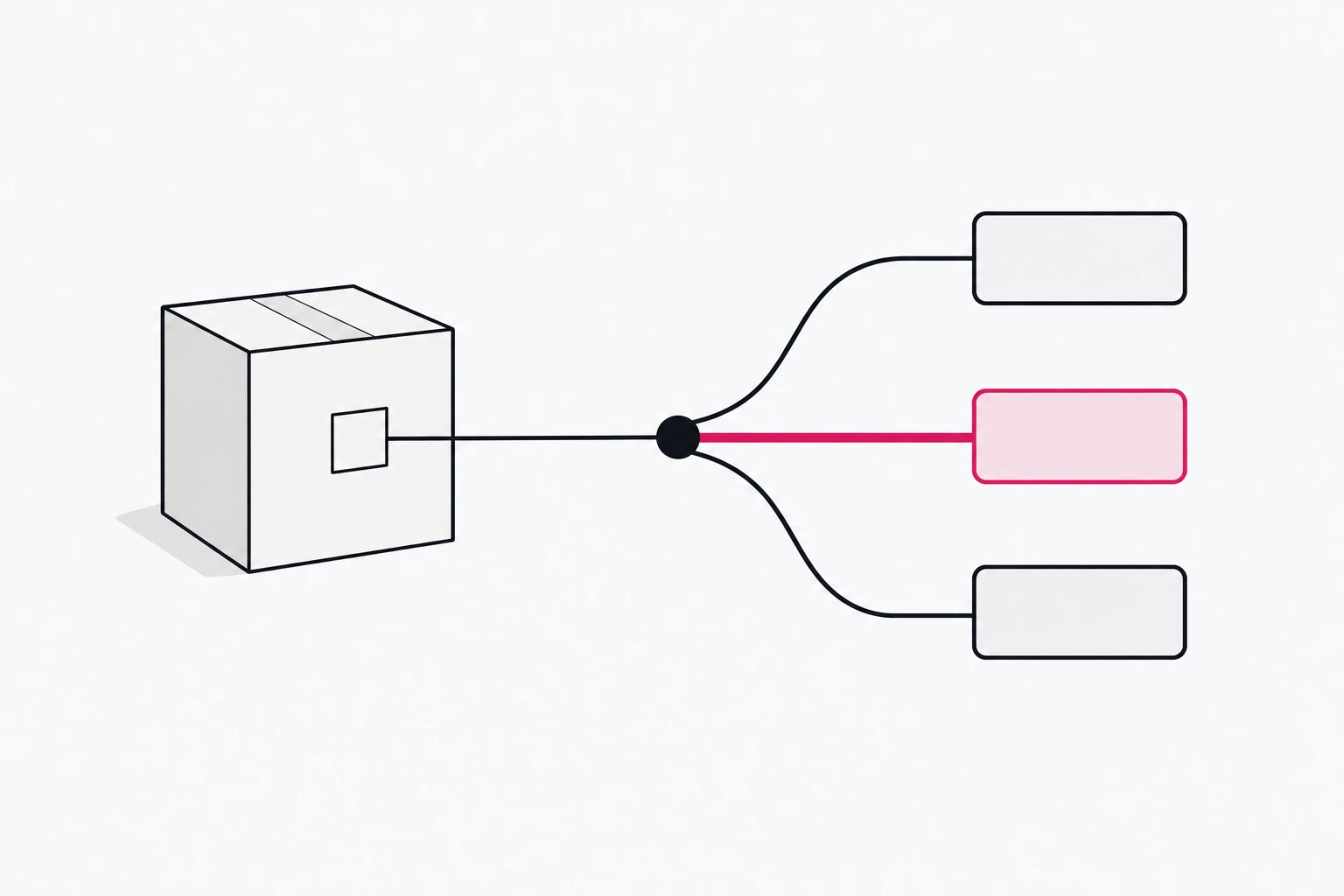
Count at the redirect. A short link's server sees the request before the destination page loads, before any tag runs and regardless of what the browser removes from the destination URL. The click count per link is therefore complete in a way a client-side pageview is not. That is also why a redirect is not "tracking the user": it counts that a link was used, with coarse context like country and device. For how the status codes behave, see Redirects 101.
Make the link the unit of attribution. One link per channel and placement (newsletter header, footer, paid social variant B) gives you attribution at exactly the granularity privacy rules allow: per placement, not per person. Pair each link with UTMs so your analytics tool agrees with the link counts.
Let the ad platforms do their side server-side. Conversion APIs send conversions from your server to the platform and match them there. They do not bring back a stripped click ID, but they are the platforms' answer to the gap, and they are unaffected by what Safari does to URLs.
Know the workaround, and its cost. PPC Land reported on April 25 a suggestion to pass the Google click ID under another name, such as lnid={gclid} as a URL suffix. It may work today. It is also a cat-and-mouse move Apple can close with one list update, and it overrides a choice the user made when they turned on protection. Build your reporting so it does not depend on it.
Where rii.link fits
Every rii.link short link counts the click on the server when the redirect is answered, so the count exists before a browser can strip anything. The analytics dashboard breaks those clicks down by country, device, browser and referrer, and by UTM tags when you share the short link itself with them; links created through the public API also expose per-link stats grouped by country, device, referrer or routing rule. The UTMs in the destination URL you set on the link reach your landing page unchanged, whatever the browser strips from the link a visitor tapped. Nothing in that setup needs a platform click ID.
Checklist for your next campaign
- Stop reading "Safari strips UTMs" as a threat; audit your UTMs for consistency instead.
- Create one short link per channel and placement, with that placement's UTMs in its destination URL.
- Compare link-level clicks with analytics sessions per link; the gap is your client-side loss, measured.
- Run the five-context test above on your own redirect and landing page.
- Turn on the conversion API for each ad platform you spend on.
- Treat parameter renaming as temporary, if you use it at all.
- Annotate your reports with the date Safari 27 reached your audience, so October's numbers are read in context.
Written by
Florian
Florian builds rii.link, the routing layer behind short links: redirects, dynamic responses and links that answer AI agents. He writes The Redirect about what happens between a click and its destination.