64-day certificates leave less room for DNS mistakes on link domains
Let's Encrypt moves to 64-day certificates on 10 February 2027. Who renews a CNAMEd short domain, five DNS changes that silently break it, and a 10-minute audit.

The redirect never gets a chance
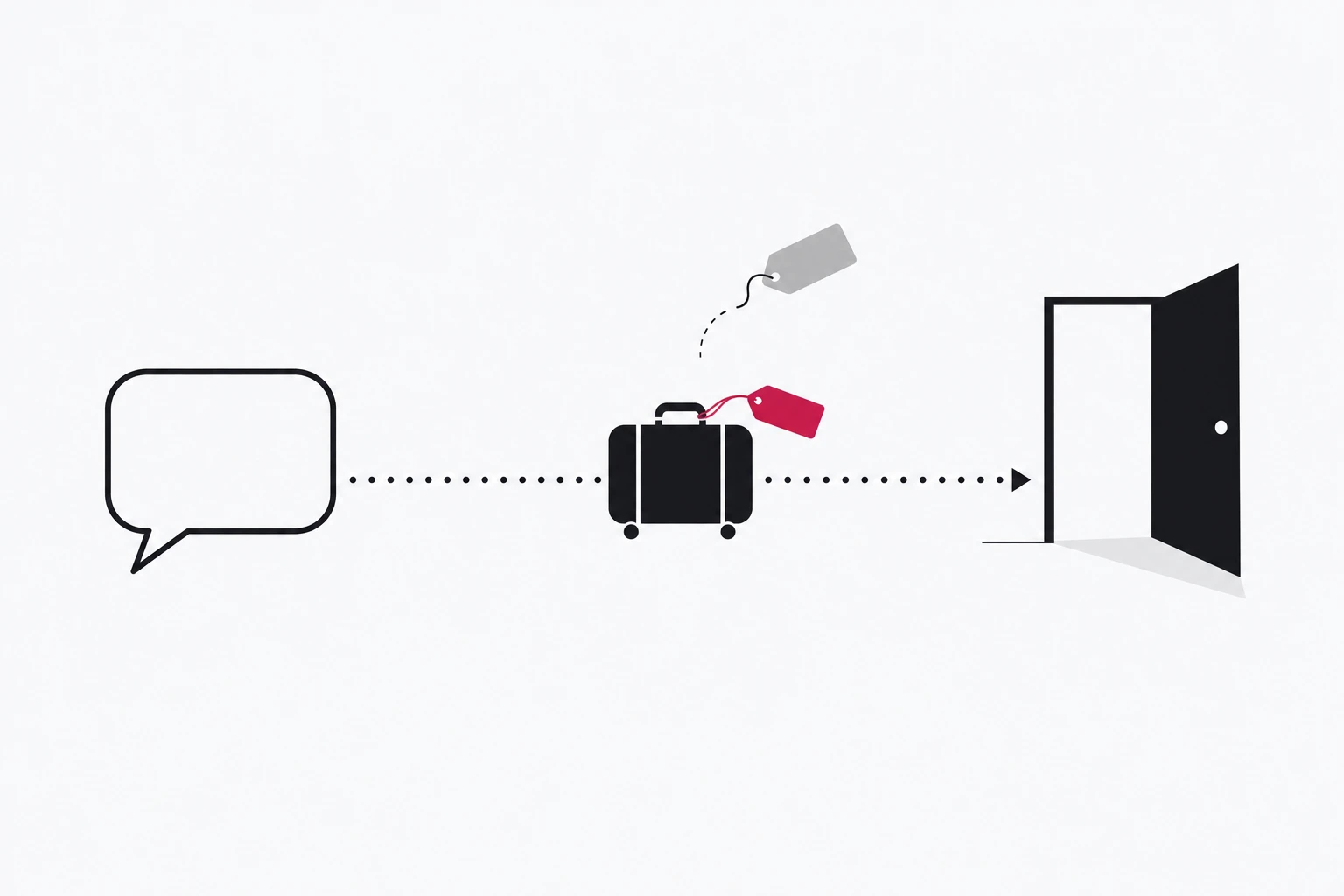
A QR code on a poster, a link in an email footer, a bio link: each points at a hostname like go.brand.com, and because browsers expect HTTPS, the first thing that happens is a TLS handshake. If the certificate on that hostname has expired, the handshake fails and the browser shows a full-page security warning. The link service's 301 or 302 is never sent, because an HTTP response can only travel over a connection that already exists. (301, 302 or 308? covers the status codes themselves.)
That makes renewal on a branded link domain more delicate than on most websites: the URL is printed, and you cannot hot-fix a flyer. Bitly's help centre describes the failure in its account-deletion FAQ: once it stops renewing the certificate for a custom domain, links keep resolving "as long as your previous domain's DNS settings still point to Bitly's IP addresses, but users may get a warning that the link leads to a website that is not secure."
The new calendar
On 7 October 2026, Let's Encrypt announced that "on February 10, 2027, all Let's Encrypt subscribers will move to certificates with 64 day lifetimes by default". The steps, from that post, the December 2025 roadmap and Scott Helme's summary:
| Date | Change |
|---|---|
| 14 Oct 2026 | Staging issues 64-day certificates for testing |
| 10 Feb 2027 | Production default drops from 90 to 64 days; authorization reuse drops from 30 to 10 days |
| 11 May 2027 | The last 90-day certificate expires |
| 16 Feb 2028 | Default drops to 45 days; authorization reuse to 7 hours |
Valid certificates will not be revoked, and Let's Encrypt says rate limits, ACME endpoints and issuance chains are unaffected.
The rest of the industry is on the same path. CA/Browser Forum Ballot SC081v3, passed in 2025, reduces the maximum certificate validity "from 398 days to 47 days" and the reuse of domain validation data to 10 days, in steps "starting in March 2026 and concluding in March 2029". Helme lists the lifetime steps as 200 days (March 2026), 100 days (March 2027) and 47 days (March 2029). The roadmap gives the reason: shorter validity limits "the scope of compromise" and makes revocation more efficient.
For link domains, the second change matters more than the first. A successful domain validation can be reused for 30 days today. From February it is 10 days, from 2028 seven hours. Let's Encrypt says it is cutting reuse to meet the 2029 limit and to drop "CAA rechecking". In practice, almost every renewal will validate your hostname again, live, against whatever your DNS says that day.
Who renews a domain you CNAME to a link service
When you connect go.brand.com to a link service, you usually add a CNAME to a hostname the provider gives you. From then on the provider requests and renews the certificate; you renew nothing. But the provider proves control of your hostname through records you own, using one of the ACME challenge types in Let's Encrypt's challenge-types documentation:
- HTTP-01: the CA fetches a token over plain HTTP, on port 80 only. Your CNAME sends that request to the provider, so the provider can answer it. Let's Encrypt lists this as a benefit: "It allows hosting providers to issue certificates for domains CNAMEd to them."
- DNS-01: the CA looks up a TXT record at
_acme-challengeunder your hostname. Providers using it ask you to delegate that name, which works because "you can use CNAME records or NS records to delegate answering the challenge to other DNS zones." - TLS-ALPN-01: validation over port 443, which Let's Encrypt says is mainly for large hosting providers.
A provider's ACME client can also use ACME Renewal Information (RFC 9773), which lets the CA tell the client when to renew, for example ahead of a mass revocation. Without it, Let's Encrypt advises renewing "at approximately ⅔ of the lifetime": for a 64-day certificate, about every 43 days.
Let's Encrypt also announced DNS-PERSIST-01 in February 2026, a standing TXT record bound to one ACME account that would not change on every renewal. It was targeted for production in Q2 2026; the Let's Encrypt blog has not announced the production launch since, so don't plan around it yet.
The split is simple: the provider runs the renewal, and you own the DNS it depends on.
Five ways to break renewal without touching the link service
1. A CAA record that names another CA. CAA records say which CAs may issue for a domain. Let's Encrypt's CAA documentation says the CA respects "the CAA record closest to the domain name", checking the name, then each parent, "stopping at the first CAA record it finds". So when a security team adds brand.com CAA 0 issue "ca.example" at the apex, it also covers go.brand.com, unless the subdomain has its own record. CAA lookups follow the CNAME, so records on the provider's target count too, though, as AWS's CAA guide notes, the check "doesn't move up to the parent of a CNAME record". The fix is cheap, because records are additive: "if any one of those records allows the CA to issue, then it is allowed."
2. Repointing the CNAME "just for a moment". Point the hostname elsewhere for a test or a migration, and the next HTTP-01 request lands on a server that doesn't know the token. With 30-day reuse a short change could fall between validations. With 10 days, and later seven hours, it probably won't.
3. Deleting a record during DNS cleanup. A delegated _acme-challenge CNAME, or a verification TXT record, looks like clutter to whoever tidies the zone a year after setup. If your provider validates through it, removing it stops validation.
4. A proxy in front of the link domain. Switch on a CDN proxy for the hostname and the CDN, not your link provider, answers port 80. A Railway support thread titled "ACME auto-renewal failed silently" shows the result: certificates for four custom domains expired, because "Let's Encrypt HTTP-01 challenges require a plain HTTP request to reach our origin, but Cloudflare's proxy intercepts that path."
5. DNS that can't answer a CAA query. If the lookup fails, the CA can't issue: "there's no way to tell whether we are allowed to issue for the affected domain". Let's Encrypt names the usual causes: a SERVFAIL, "most often" a DNSSEC validation failure, and timeouts from "a misconfigured firewall in front of it that drops DNS queries with unknown qtypes". A nameserver should answer NOERROR with an empty response for record types it doesn't hold.
None of these shows an error when you make the change. The link keeps working on the current certificate until the next renewal fails. With renewal at two-thirds of a 64-day lifetime, that next attempt is weeks away, not months, and the remaining buffer before expiry is about three weeks.
Where rii.link fits
rii.link issues and renews the certificate for every custom domain you connect; in the words of its custom domains page, "we handle SSL, renewals and the routing engine behind it." The connect guide asks for one routing record (a CNAME on a subdomain, A plus AAAA on a bare domain) and a TXT record at _rii.{domain}, and the domains API reports a domain as active "once both records resolve and the certificate is issued."
Your side of the deal: keep both records exactly as the dashboard showed them, keep proxies off the link hostname, and, before you add or tighten a CAA policy, make sure the CA that issues your link-domain certificates is on it. For the setup side, see what you approve when you click "Connect your domain"; for why the printed hostname matters to people scanning, see the "check the URL" test.
A 10-minute audit before February
- Read the CAA chain. Query the link hostname and every parent. Empty answers everywhere mean any CA may issue. A record listing only CAs other than your provider's is the one to fix.
- Check the routing record. It should still point exactly where your provider told you, with no proxy in between.
- Read the live certificate. Note the issuer and the expiry date, so you know what normal looks like.
- Tell the zone owner. Ask whoever runs DNS to treat the link hostname, its verification records and the apex CAA record as production, and to check before proxying, re-signing with DNSSEC or cleaning up.
- If you run your own redirect host, grep cron jobs, wrapper scripts and runbooks "for common hardcoded numbers like 83, 80 or 60", as Let's Encrypt suggests, move to ARI or ⅔-lifetime renewal, and test against staging, which already issues 64-day certificates.
- Monitor expiry from outside. An external check on the link hostname turns a silent renewal failure into an alert with weeks to spare.
# CAA on the hostname, then on its parent
$ dig +short CAA go.example.com
$ dig +short CAA example.com

# Where the hostname points today
$ dig +short CNAME go.example.com

# Issuer and validity of the certificate it serves now
$ echo | openssl s_client -connect go.example.com:443 -servername go.example.com 2>/dev/null | openssl x509 -noout -issuer -datesWritten by
Florian
Florian builds rii.link, the routing layer behind short links: redirects, dynamic responses and links that answer AI agents. He writes The Redirect about what happens between a click and its destination.